A dashboard that runs the server it lives on
 NINikki Sophie 🌸4 min read1 view
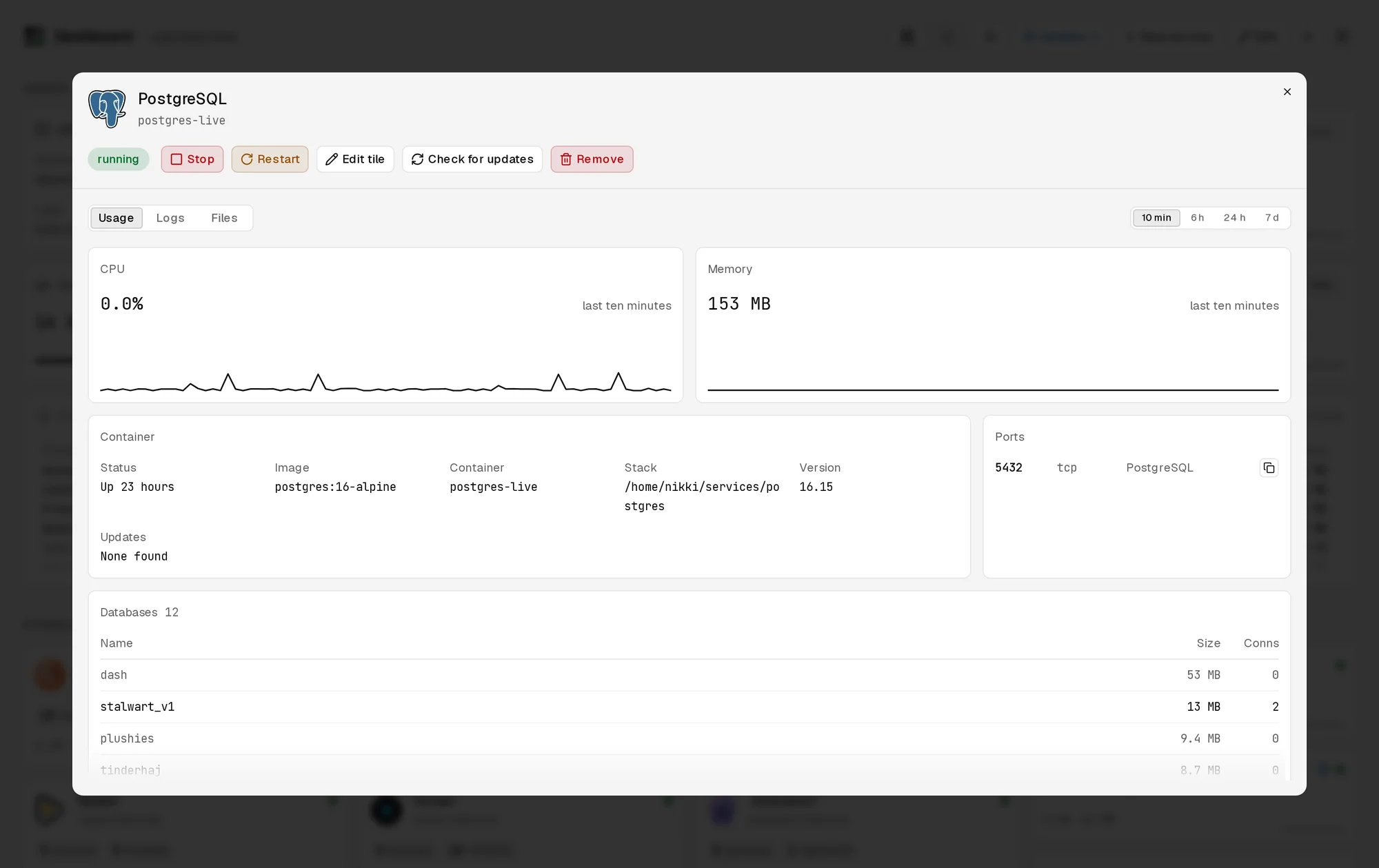
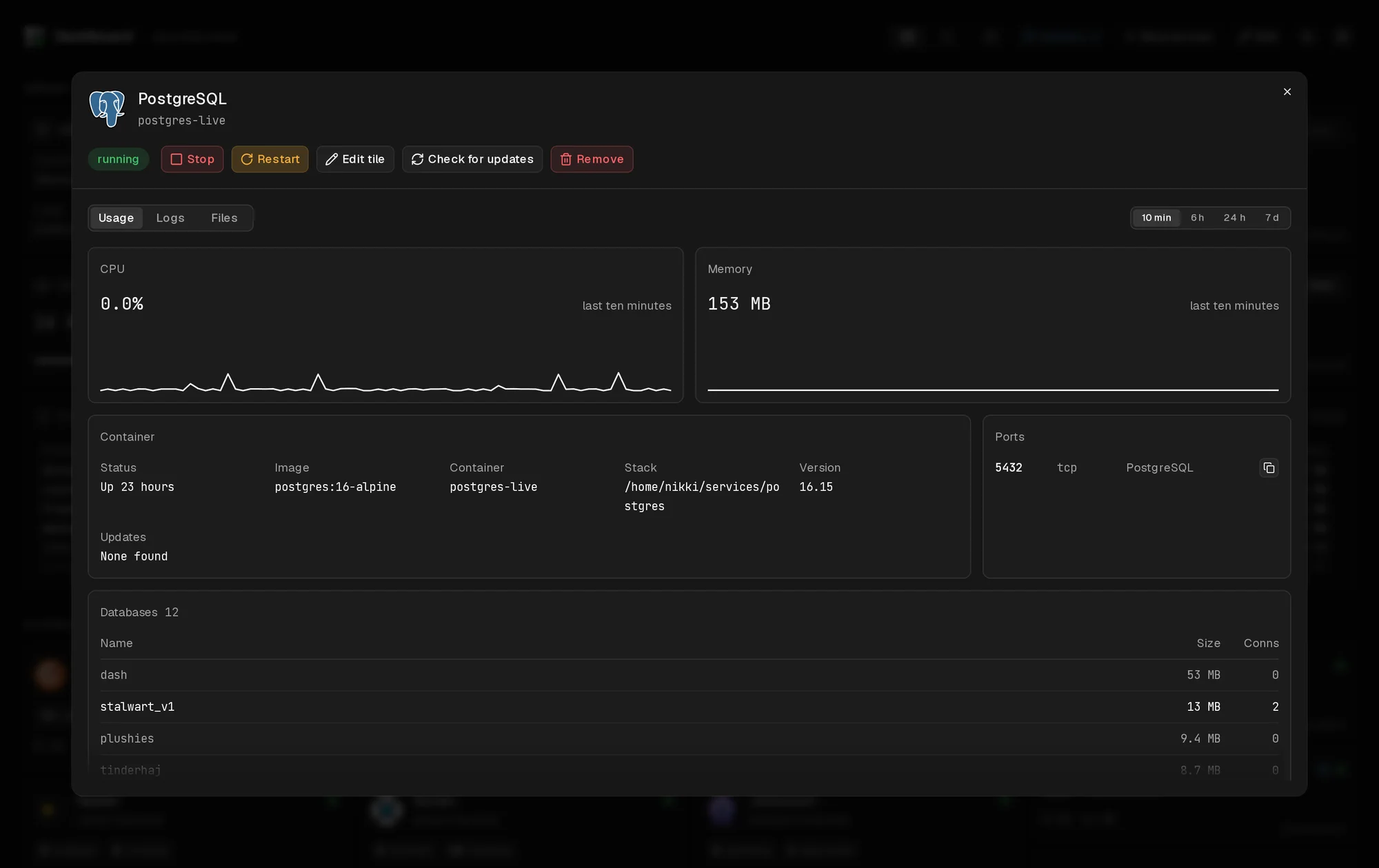
My home server runs a lot of containers: the media apps, a Minecraft server, Postgres, Garage for pictures, my mail server, my stream relay, Caddy in front of it all, and the projects on this site. For a while I looked after it over SSH. Then I built a dashboard that runs on the server and controls it. That turns out to be a strange place for a program to live, because some of what it does would stop it halfway through.
The Docker socket, and paths that match
Dashboard runs in a container like everything else. It gets two things from the host: the Docker socket, which lets it list, start and stop containers, and my home folder, where every service has its own folder with a compose file.
The home folder is mounted at the same path inside as outside. That sounds like a small detail, but Compose files are full of relative paths like ./data:/var/lib/postgresql. When Dashboard asks Docker to run Compose, Docker resolves those paths on the host. If the folder were mounted at /stacks inside, Compose would read the file there and then ask the host for /stacks/postgres/data, which doesn't exist there.
Tools in borrowed containers
Dashboard needs Compose to start services and git to show their history and pull updates. I didn't want either in its image: it would make the image bigger and mean keeping them up to date myself.
Instead, it runs them in short-lived containers of their official images. It asks Docker to create a container of docker:29.9-cli or alpine/git, with the home folder mounted at the same path, starts it, streams what it prints into the browser, and lets Docker delete it when it exits:
It attaches to the container's output and asks to be told when it's removed before starting it, because a quick command can be done and gone before Dashboard gets to ask. If the image isn't on the server, for example because unused images were cleaned up, Docker answers 404, so Dashboard pulls it and tries again.
Upgrading the server under itself
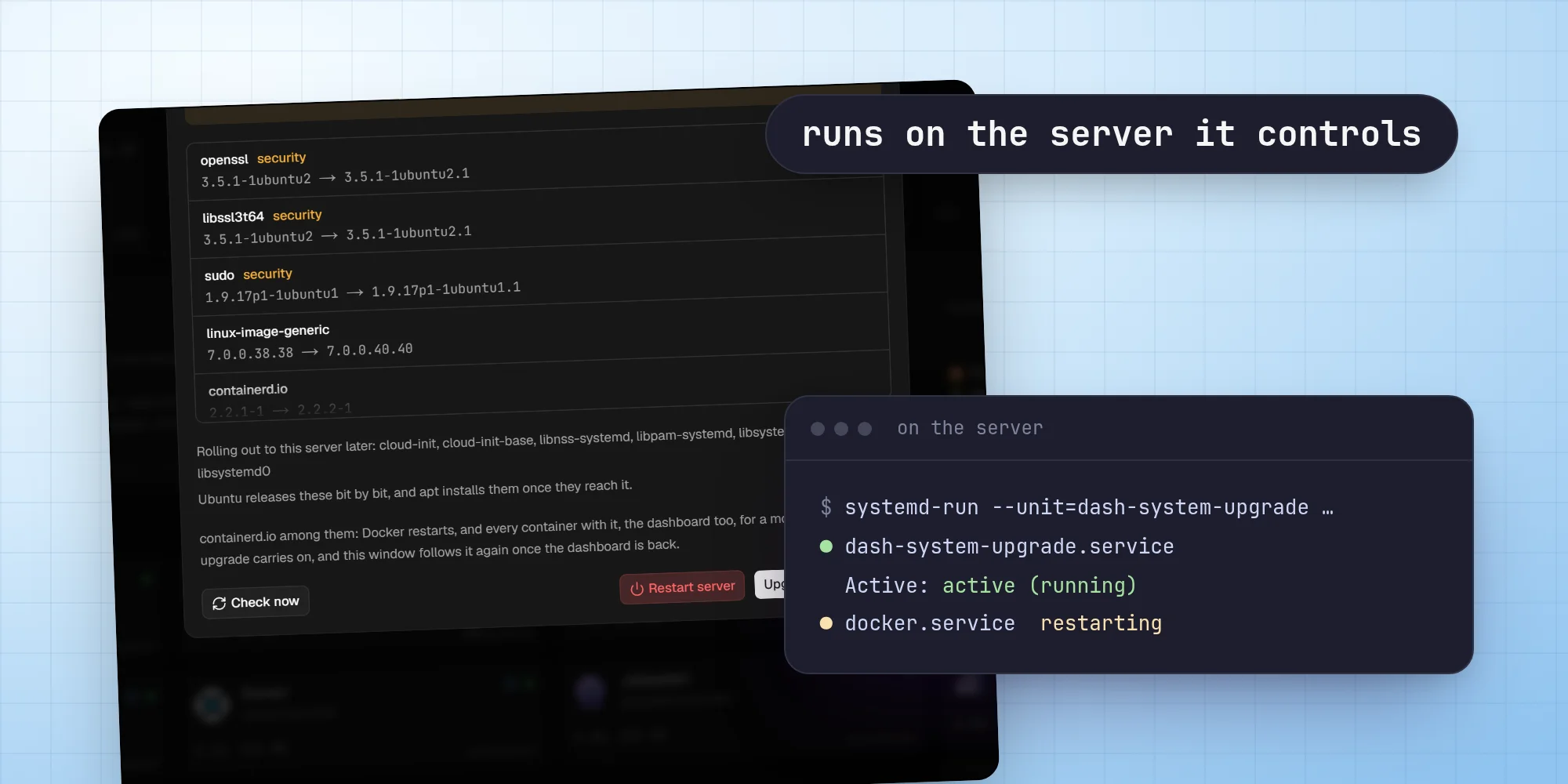
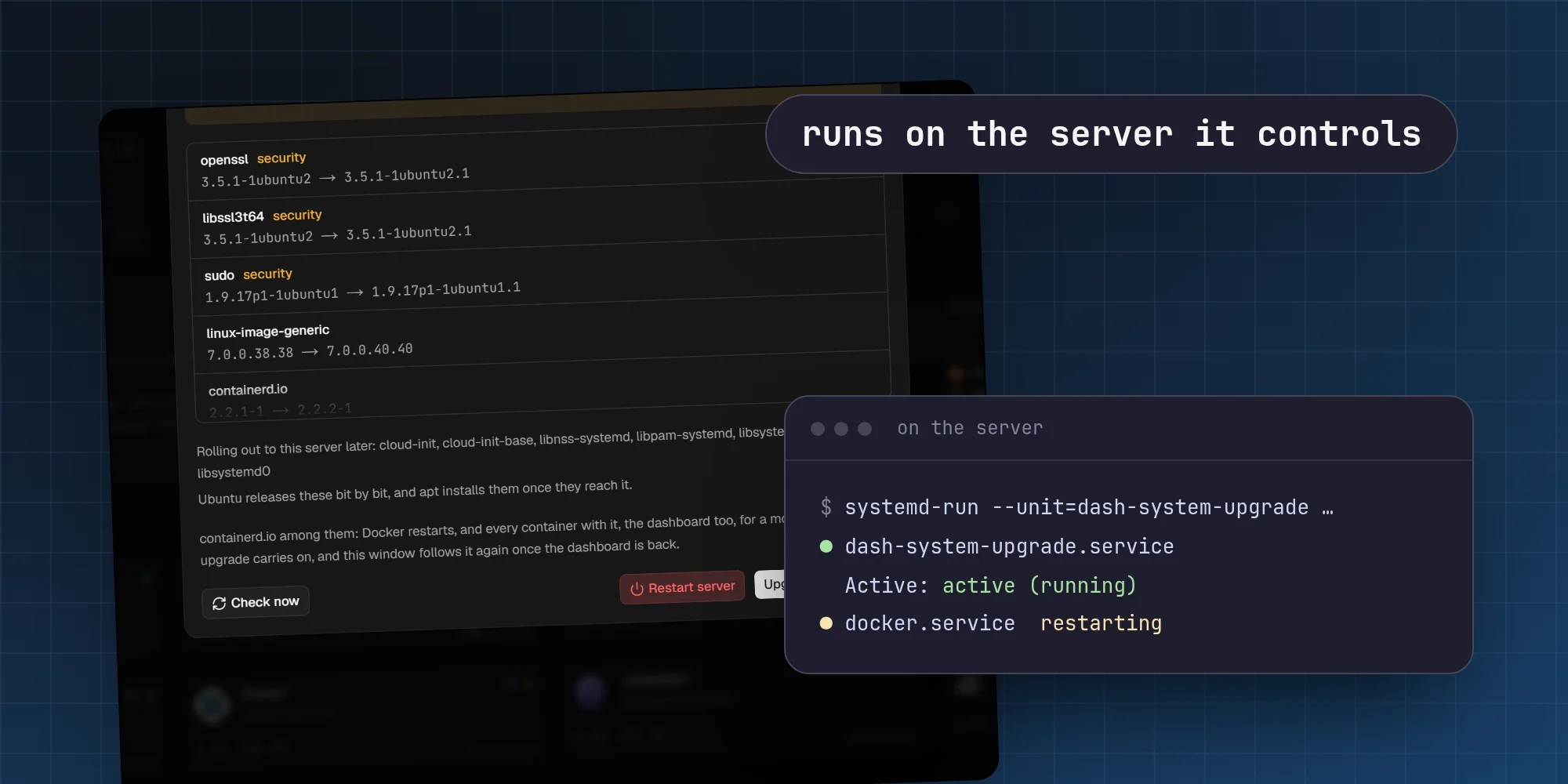
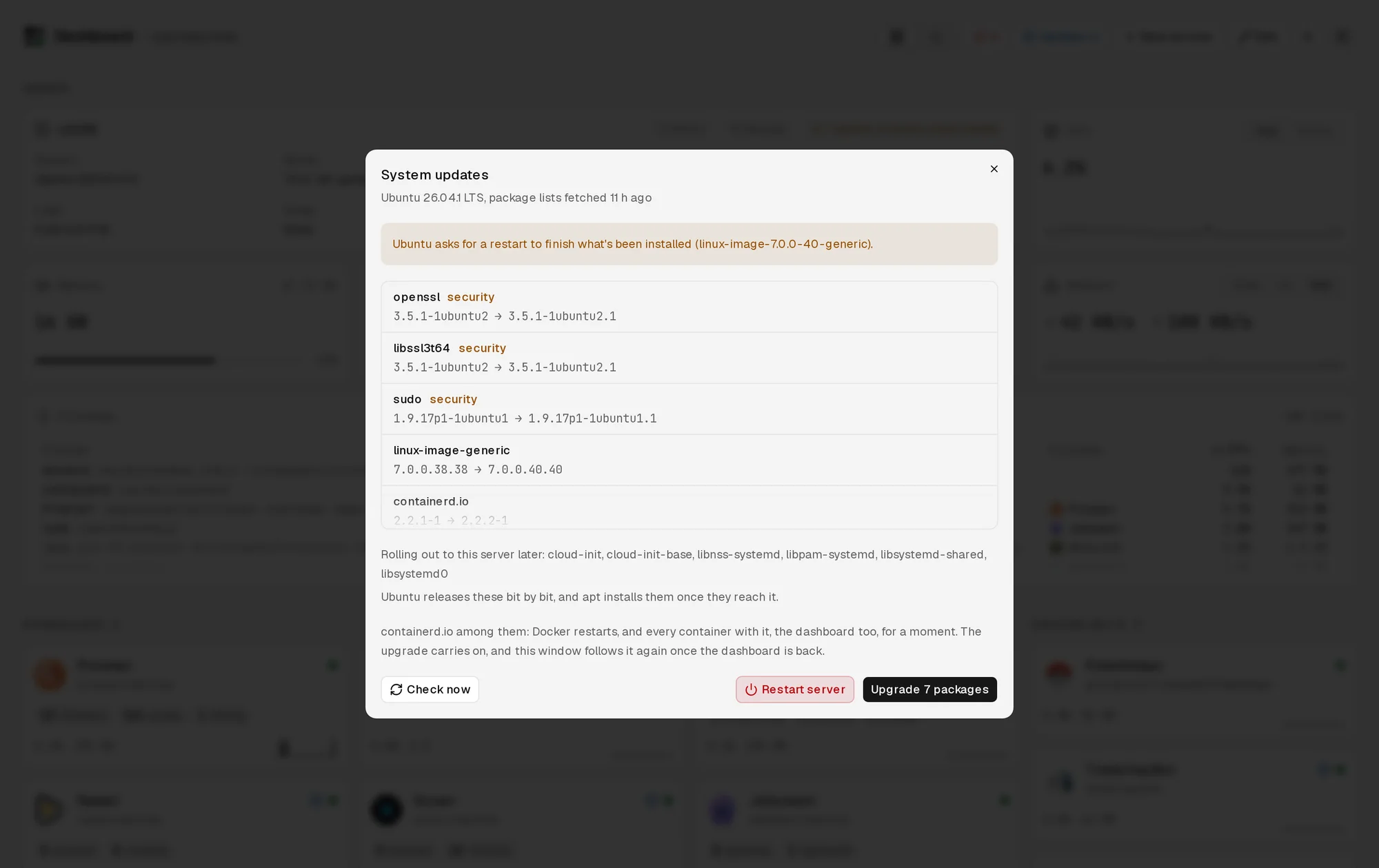
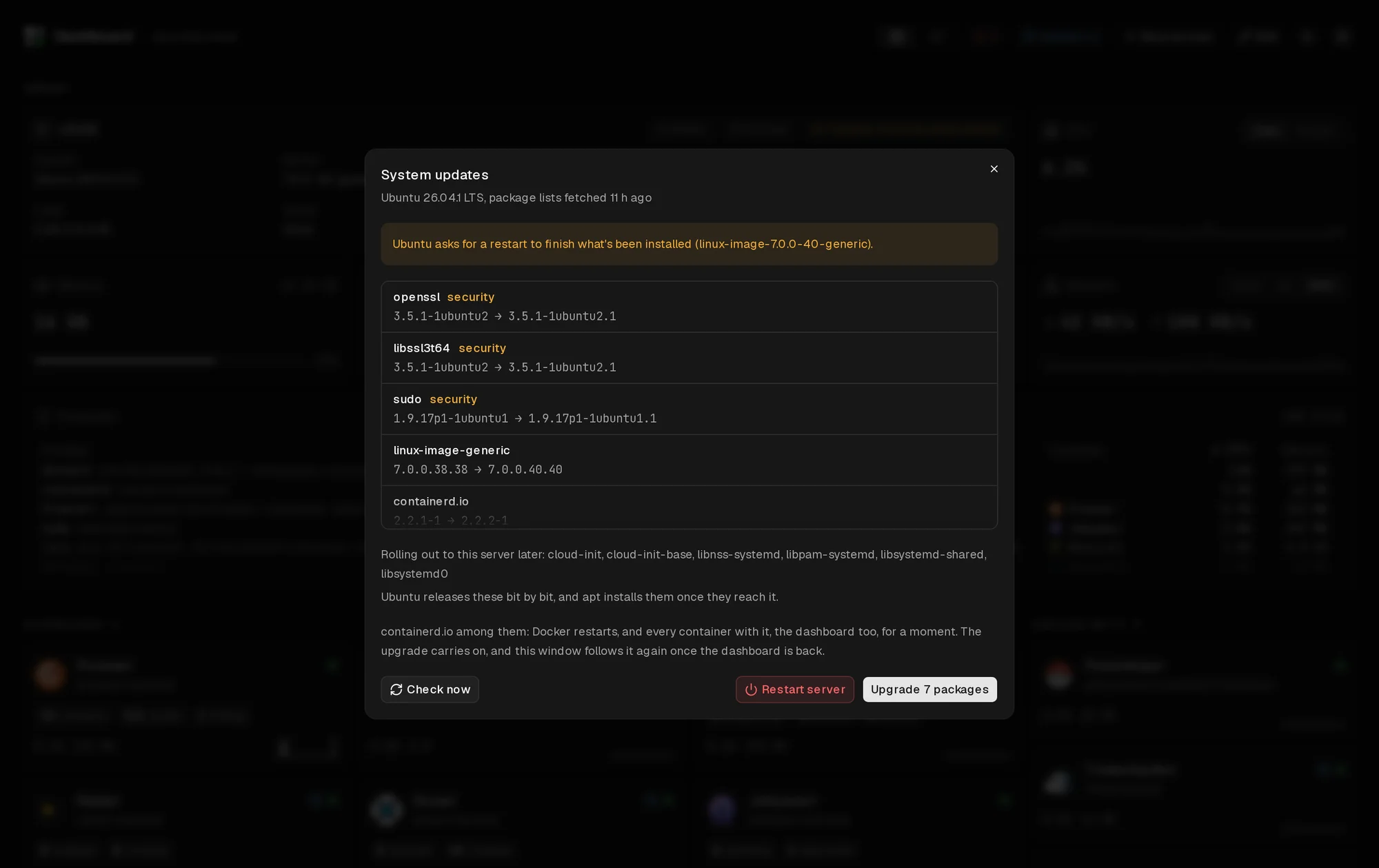
The server's Ubuntu packages can be upgraded from Dashboard too. But an upgrade can include Docker itself, and when Docker restarts, every container restarts, Dashboard included. An upgrade run from inside Dashboard would be killed halfway through, possibly in the middle of dpkg.
So it doesn't run inside Dashboard. A privileged, short-lived container uses nsenter to step into the host's namespaces, and hands the upgrade to systemd as a job of its own:
From then on, the upgrade belongs to the host, not to any container. Docker can restart underneath it and the upgrade keeps going. The job writes its output to a log file, and when Dashboard comes back, the window that started the upgrade (or any window opened since) picks up the log where it left off. If Ubuntu asks for a reboot afterwards, the button for that is a systemd job too, scheduled five seconds out so the page can say it's happening first.
Updating itself
The same problem comes back when Dashboard updates itself. Its own repository is cloned on the server, and pushing to master shows up as an update on its own tile. Applying that update ends with Compose replacing the running Dashboard with the new one, which kills the process that's running the update.
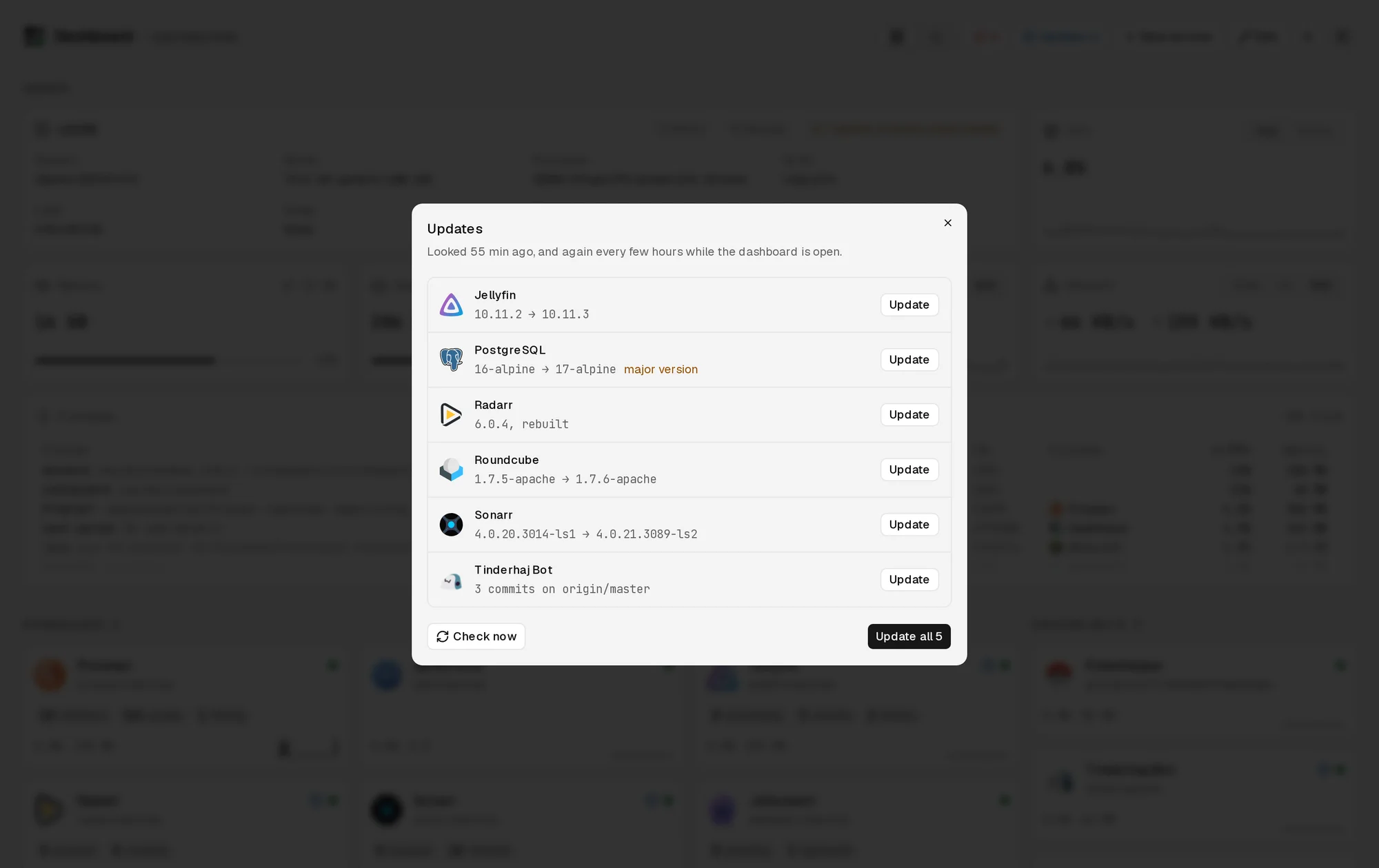
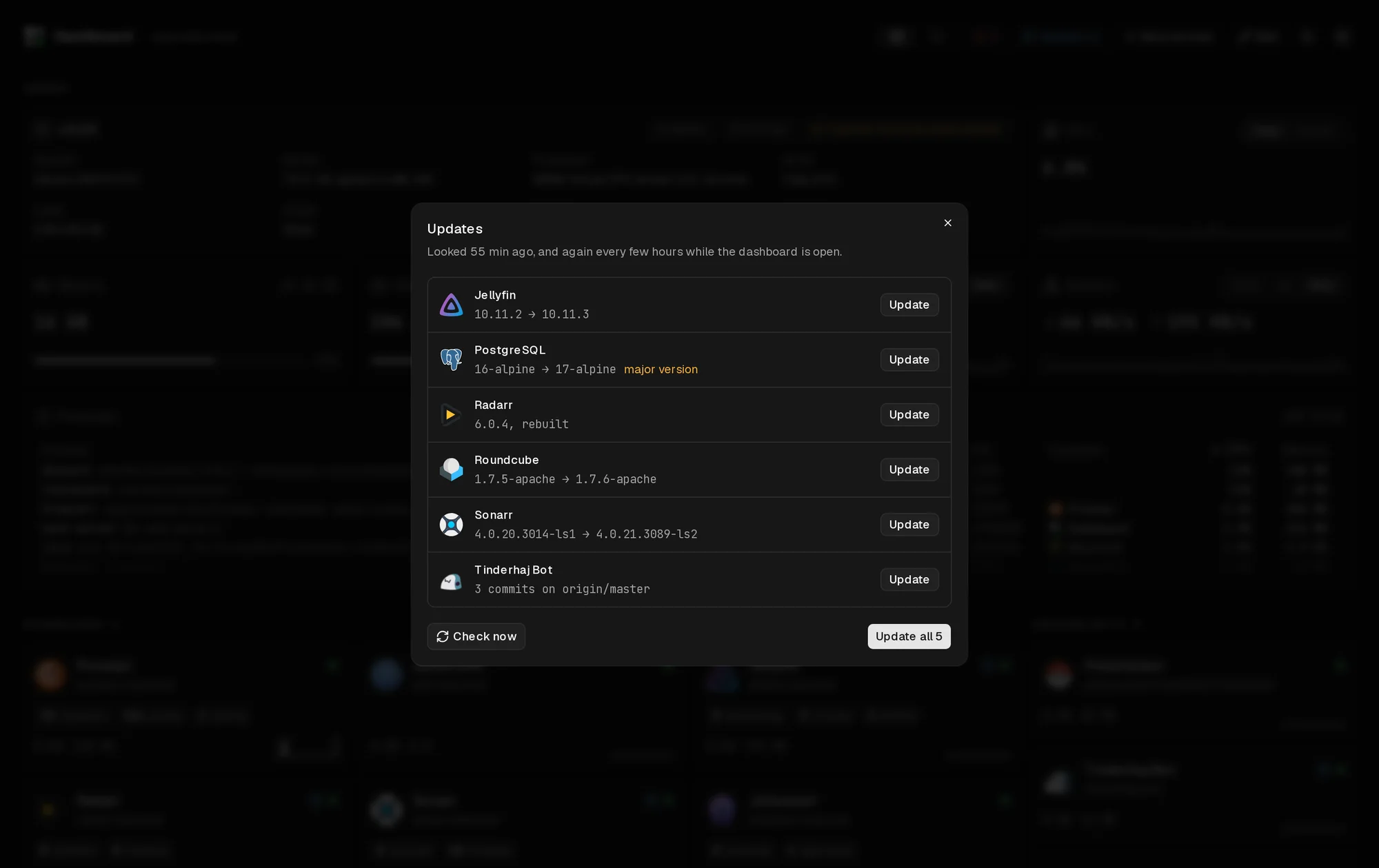
So the update runs as its own job on the host too. The job's shell script builds the new image, runs the database migrations in a one-off container, and only then recreates Dashboard. Each step writes to a log in a folder outside the repository. A lock file makes sure two clicks don't start two rebuilds:
The new Dashboard reads the same log, so the window stays open through the restart and keeps showing progress. If a migration fails, the job stops before touching the running Dashboard, so the old one keeps going and the log says why.
A test for every door
Owners and admins can do anything on the server through Dashboard. Operators and viewers only see the groups they're given. Every route and server action has to check who's asking, and the risk is the one I add next month and forget about.
So there's a test that reads the source. It goes through every exported server action and route handler and fails if the function body doesn't call one of the access checks. Only two functions are allowed to skip it: creating the very first account and accepting an invite, since nobody is signed in yet for those.
It's a blunt test. It doesn't check that the right role is required, only that something is checked. But it catches the mistake I'm most likely to make.
What it comes down to
Most of Dashboard is the ordinary work of a web app: tiles, charts, an editor, forms. The interesting parts all come from where it runs. Anything that might restart Docker has to be handed to the host, anything it runs has to see the same paths the host does, and anything it can do has to be checked, because it can do everything.
No comments yet. Be the first!