One form, two APIs that disagree
 NINikki Sophie 🌸3 min read2 views
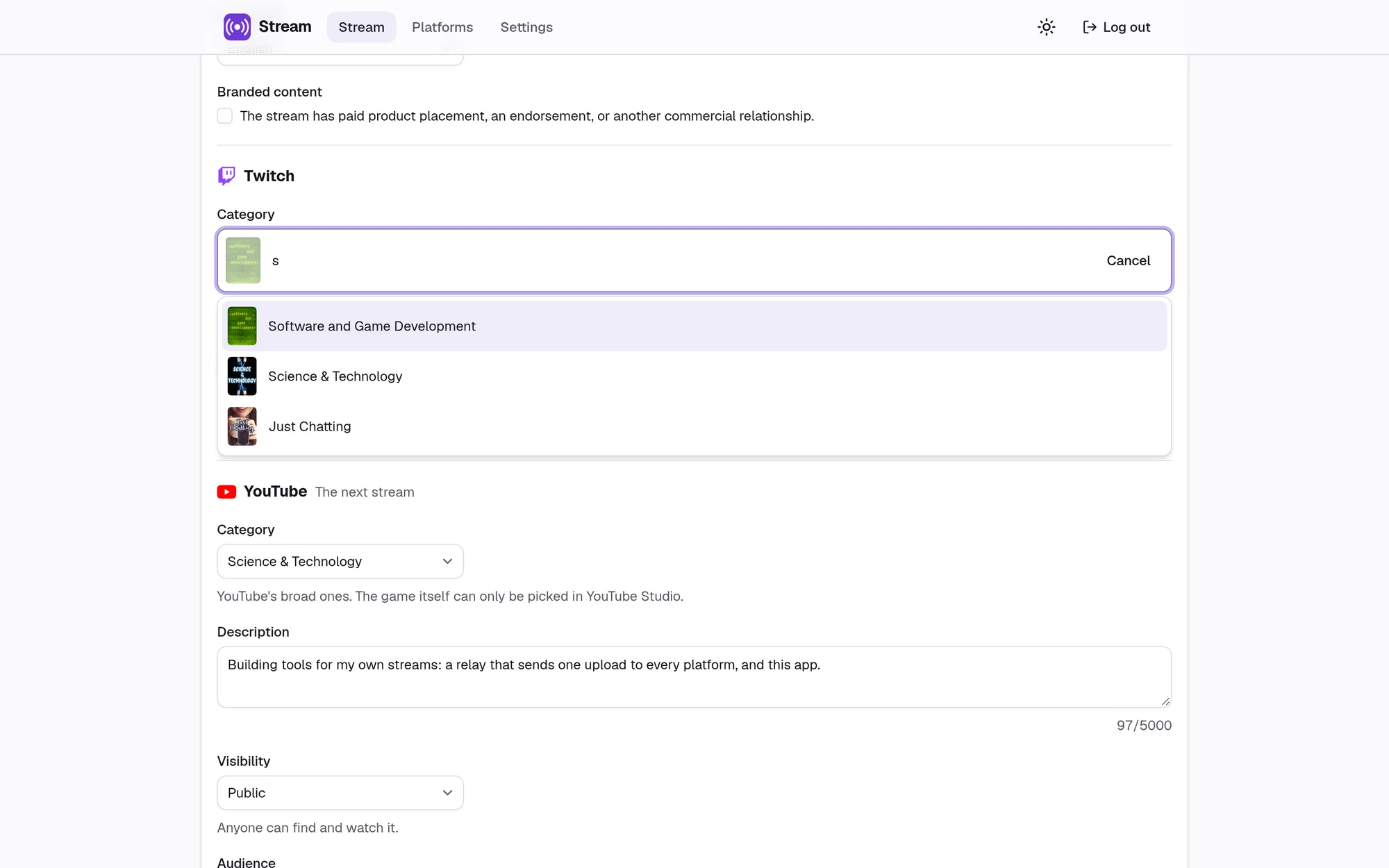
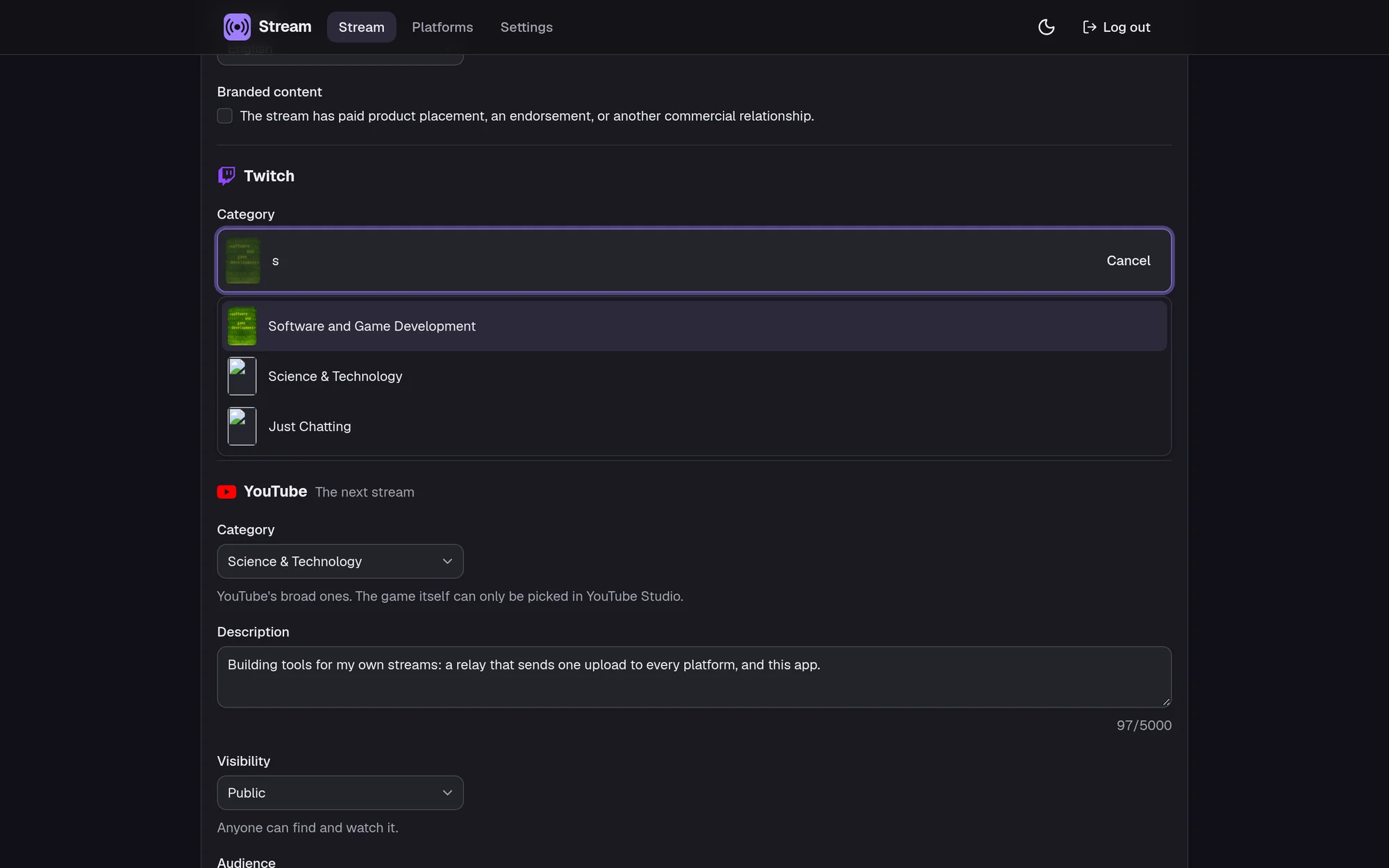
I stream to Twitch and YouTube at the same time. My relay takes care of the video, but every stream still started the same way: open Twitch's dashboard, type a title, pick a category, add tags, then open YouTube Studio and do it all again. So I built Stream, a small app with one form that sets it everywhere. The form was the easy part. The two APIs behind it disagree about almost everything.
Twitch: send what changed
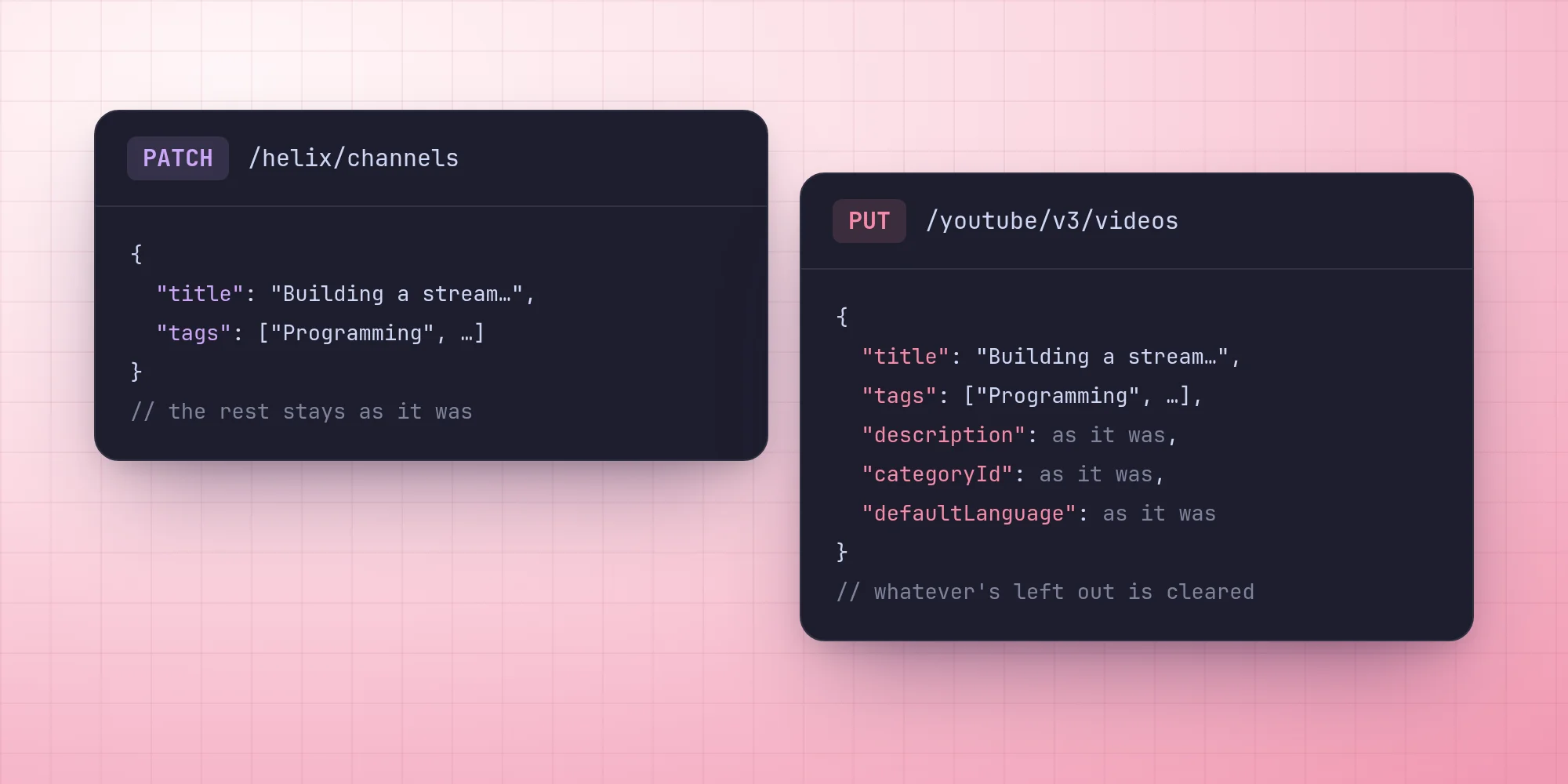
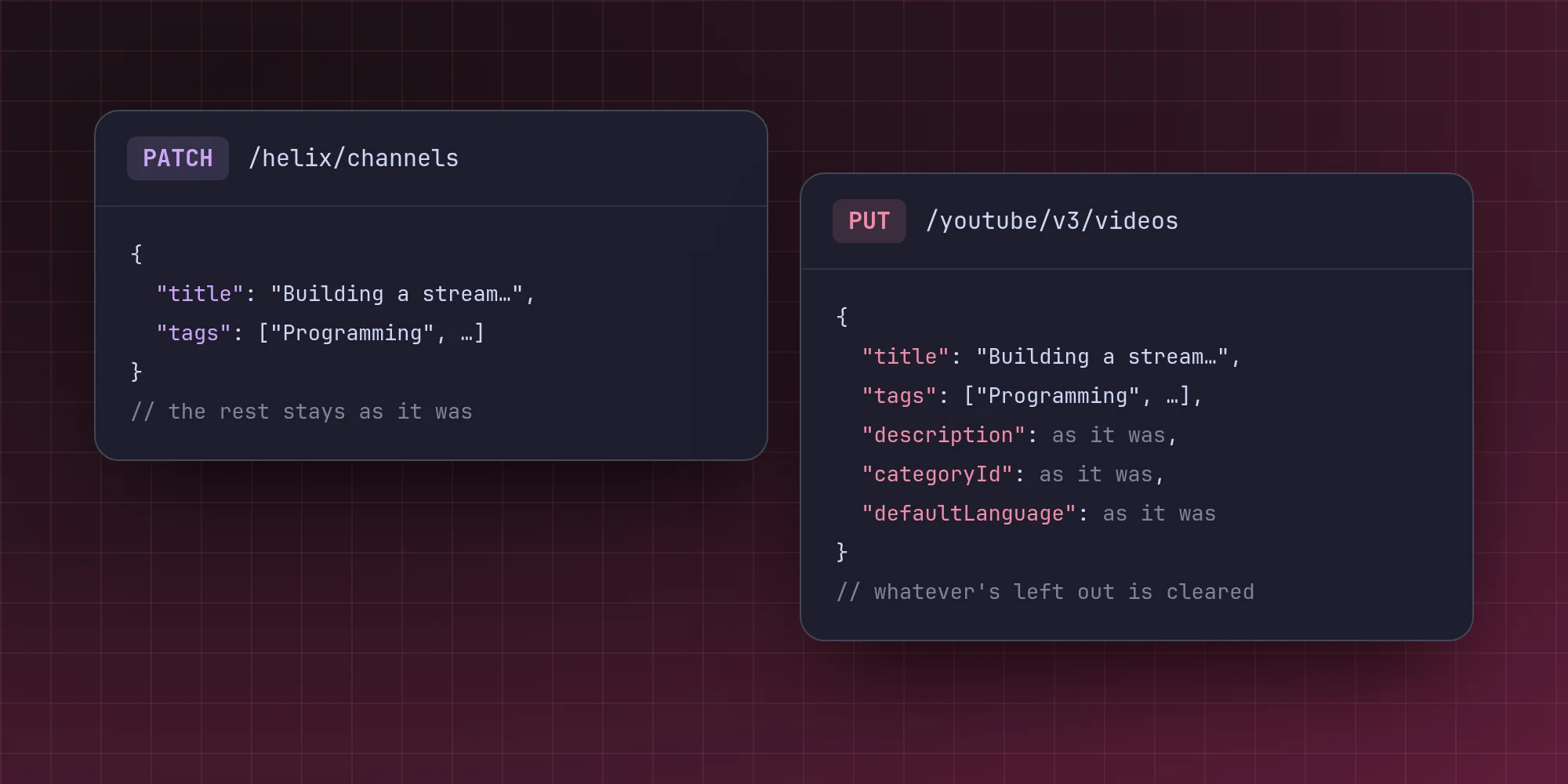
Twitch's Helix API has one endpoint for a channel's stream info. You PATCH it with the fields you want to change, and it leaves everything else alone:
The title and tags belong to the channel, not to a particular stream, so there's always exactly one thing to change, whether I'm live or not.
YouTube: which stream?
On YouTube, every stream is its own broadcast with its own video. Before Stream can change anything, it has to decide which one. It asks for the broadcast that's live right now, and if there isn't one, it looks at the upcoming ones. Among those, it picks the one that's bound to a stream key first, because that's where going live in OBS will actually land, and then the soonest.
If there's no broadcast at all, there's nothing to set, and the form says so: open Go live in YouTube Studio once and it creates one.
YouTube: send everything
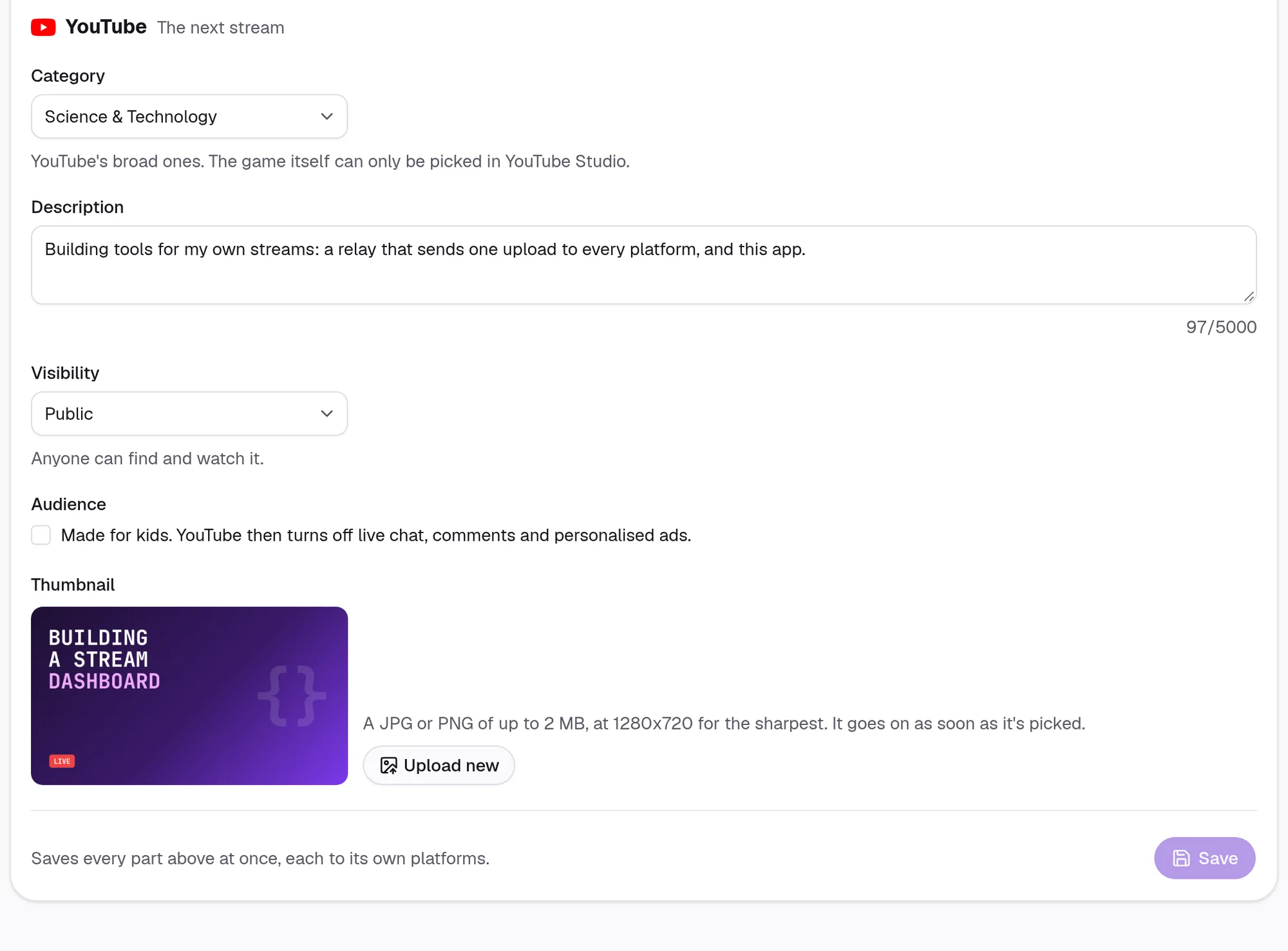
Then the real difference. YouTube's video update is a PUT, and it replaces the whole part you send. Leave out the description and it's gone. Leave out the category and it's reset.
So Stream reads the video first and sends back everything it isn't changing exactly as it was. The default language of the title, which the form doesn't have a field for, goes back untouched. The YouTube-only fields, like the description, only change if they were in the form:
Visibility and "made for kids" are in a different part of the video, and YouTube is pickier about changing those. So they go in a second request, and only when they actually changed. That way the title and tags still go through even if YouTube refuses the rest.
One set of rules for both
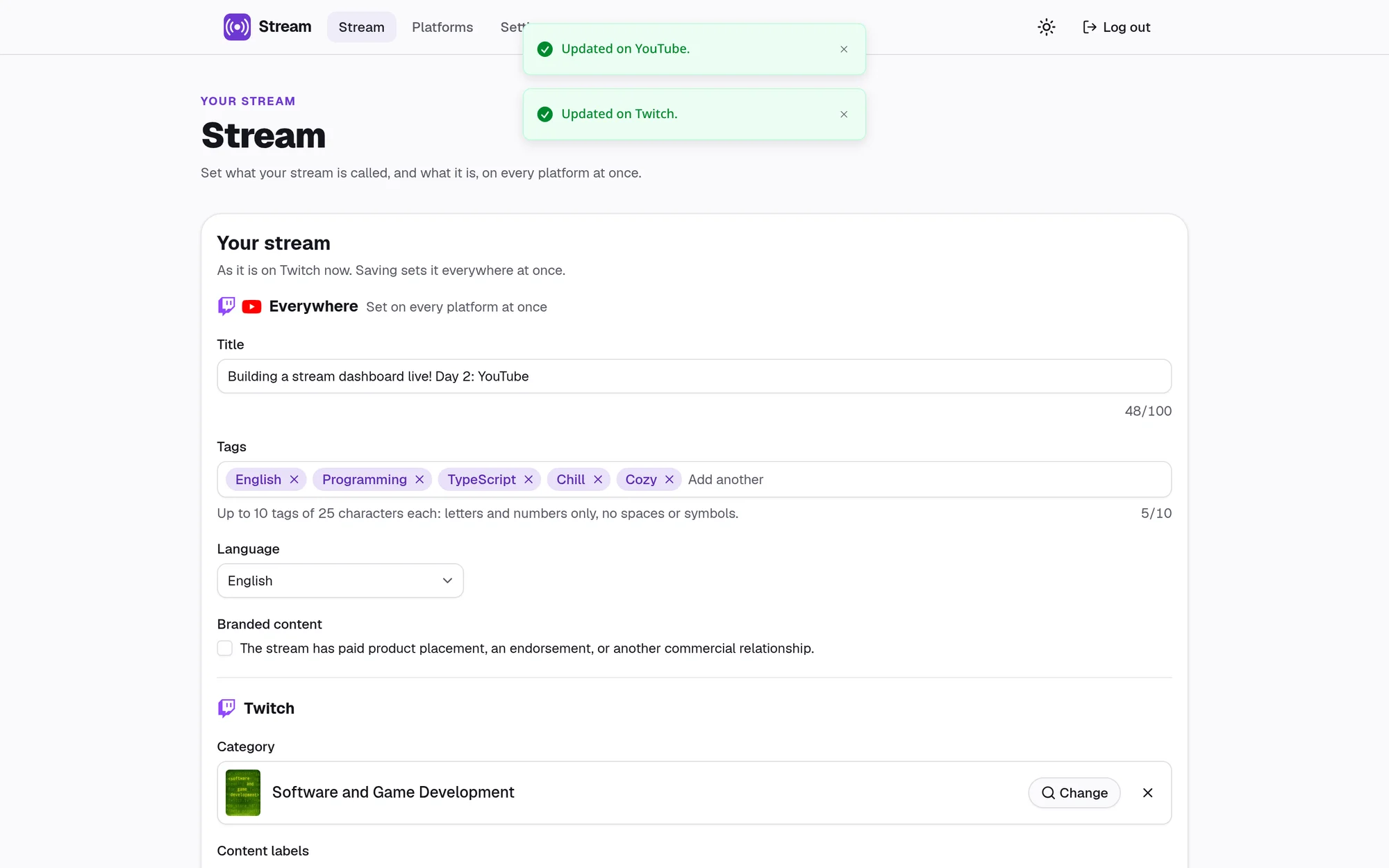
Twitch tags can only contain letters and numbers, with no spaces, up to 25 characters, and at most 10 of them. YouTube is much more relaxed. Since one list of tags goes to both, it follows Twitch's rules. The rules are shown under the field with a count, so a tag isn't turned away before you know why. When Stream reads tags back from YouTube, it quietly leaves out any that Twitch wouldn't accept.
Titles work the other way. YouTube allows at most 100 characters and no < or >, which Twitch doesn't mind, so a title that's fine on Twitch can still fail on YouTube.
Saving to both, failing on one
That's why one save can't be all or nothing. Stream sends the form to every connected platform at the same time, catches each failure on its own, and reports back per platform:
If YouTube rejects a title, Twitch's change has already gone through, and the form tells me which one failed and why. That's more honest than pretending one save is one transaction when it's really two different companies' servers.
Only one account, ever
Stream holds the keys to my channels, so it's for exactly one person. The first visit shows a setup page that creates the account, and after that nobody can create another.
Better Auth, which handles sign-in, has more than one way to create a user, like signing up with an email or signing in with a social account, and plugins can add more. Guarding each one separately would mean one day missing the next one. Instead, a database hook runs before any user is created, whichever way it came in:
Twitch and YouTube are then linked to that account, not used to sign in. Each one only gets the permission it needs to change a stream, and the tokens are encrypted in the database.
What it comes down to
The whole app is one form and a save button. Almost all of the code is about what's different between the platforms: which stream to change, what a missing field means, and whose rules a tag follows. Kick is next, and I already know it'll disagree with both of them.
No comments yet. Be the first!