One upload, every platform
 NINikki Sophie 🌸4 min read2 views
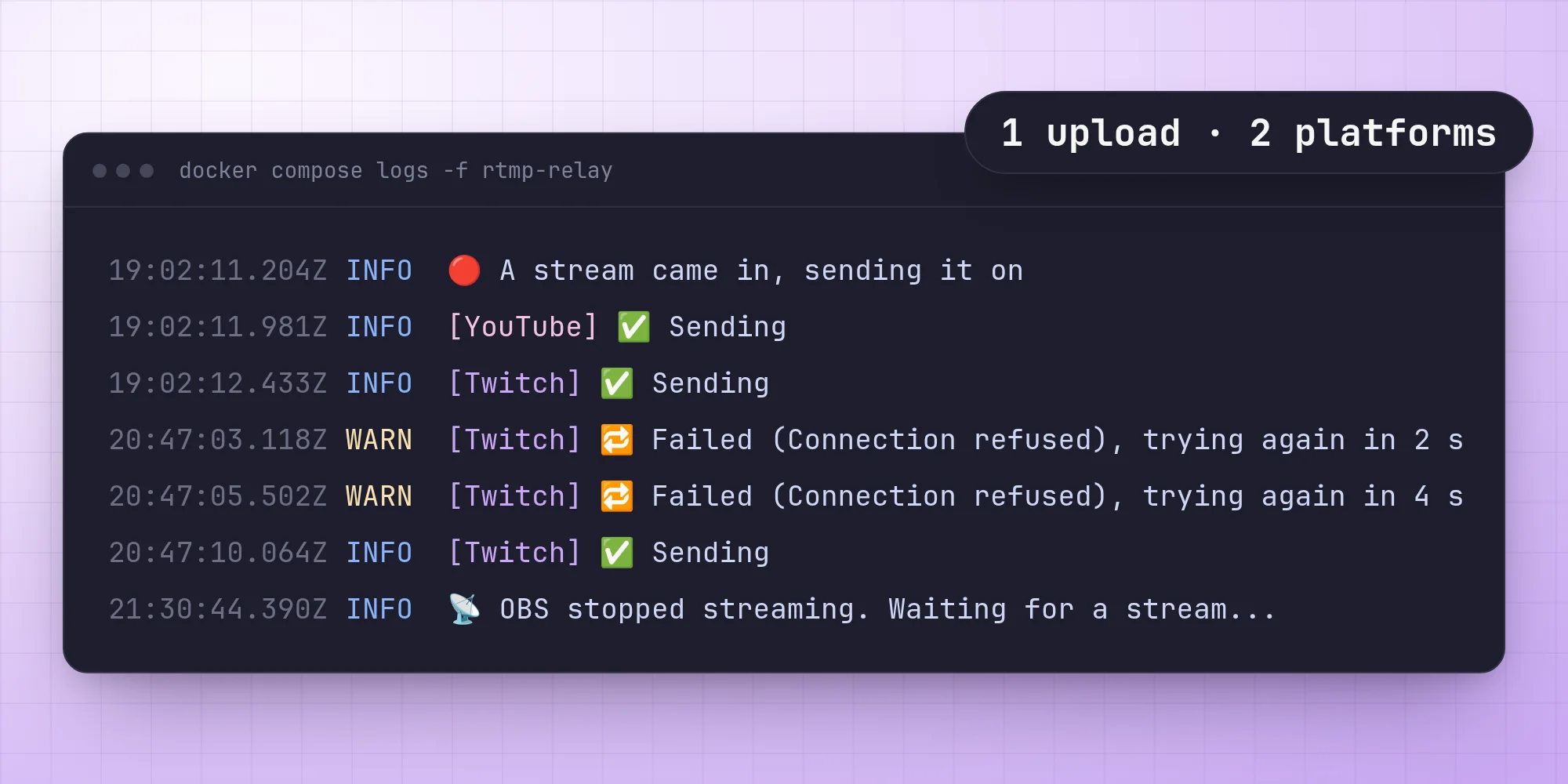
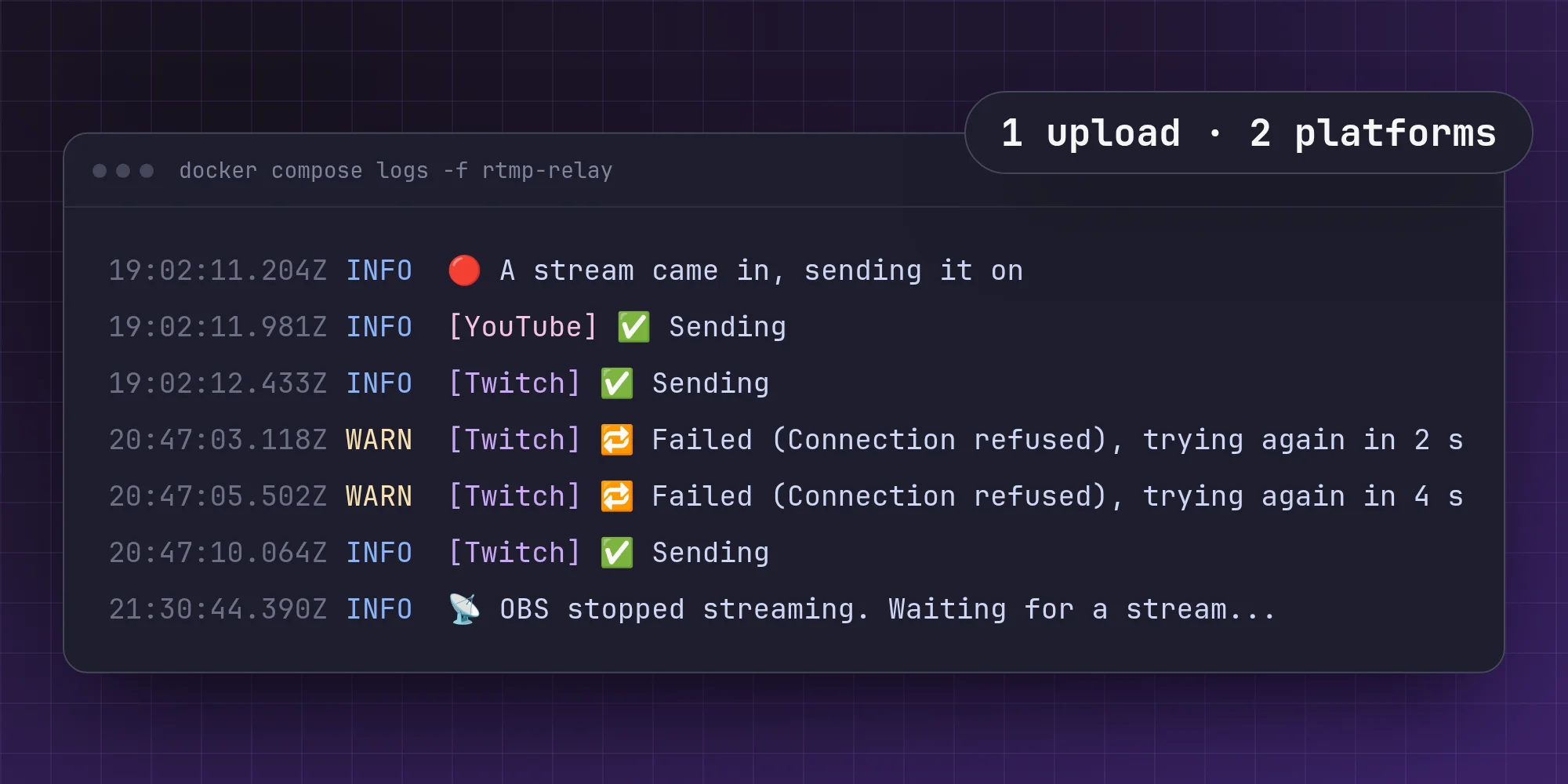
I stream at 1440p and 60 frames a second, at 16 Mb/s. YouTube takes that happily. Twitch doesn't: it wants 1080p at around 6 Mb/s. OBS can send two streams at once, but then my upload has to carry 22 Mb/s and my PC has to encode twice. So I moved the second stream off my machine. OBS sends one stream to my server, and the server sends it on to both.
The first version
The first version was a few lines of TypeScript around one FFmpeg. FFmpeg listened for RTMP, and when a stream came in it wrote one copy to YouTube and a scaled, re-encoded copy to Twitch. It worked on the first try, which should have worried me, because it had two problems I only noticed later.
First, FFmpeg listening on its own takes any stream key. Anyone who found the port could have streamed to my channels.
Second, one process meant one fate. When Twitch turned a key away or its ingest server dropped me, FFmpeg exited and took YouTube down with it.
A door with a lock
Now OBS streams to MediaMTX, a media server that does nothing but take streams in and hand them out. It has one user, relay, whose password is a key I make up. OBS's stream key becomes live?user=relay&pass=…, and a stream without the right password is turned away before it reaches anything else.
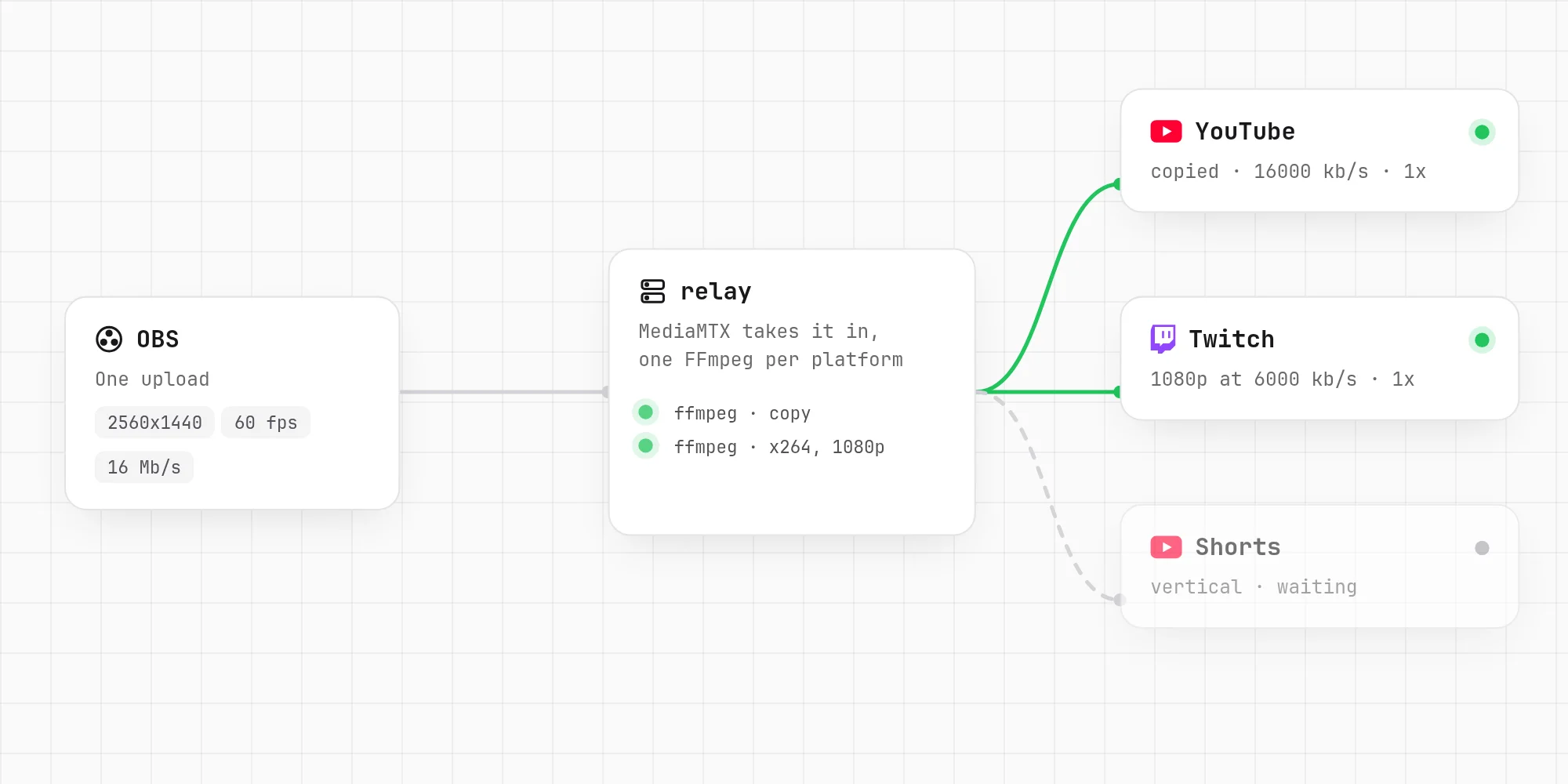
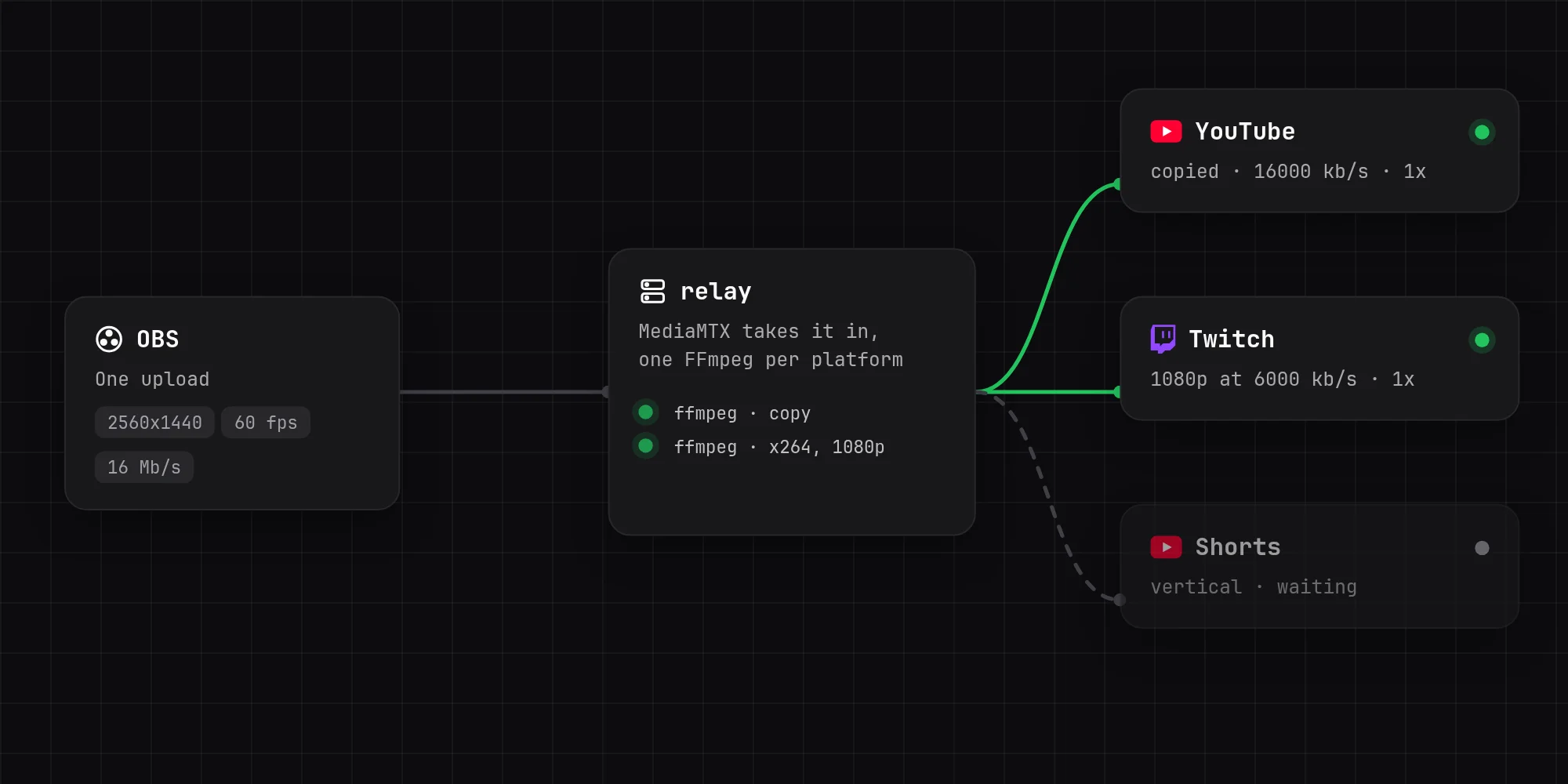
The relay itself doesn't listen for streams anymore. Four times a second it asks MediaMTX's API whether a stream is coming in on live, the path OBS publishes to. Until one does, the path doesn't exist, and the API answers 404.
One FFmpeg per platform
When a stream comes in, the relay starts one FFmpeg for each platform. A platform without a resolution, bitrate or preset gets the stream copied as it comes in, which costs almost no CPU:
One with any of them gets its own x264 encode. Twitch wants a keyframe every two seconds. Counting in frames would make that depend on the frame rate, so the relay forces keyframes by time instead, and turns off the extra keyframes x264 adds on scene cuts:
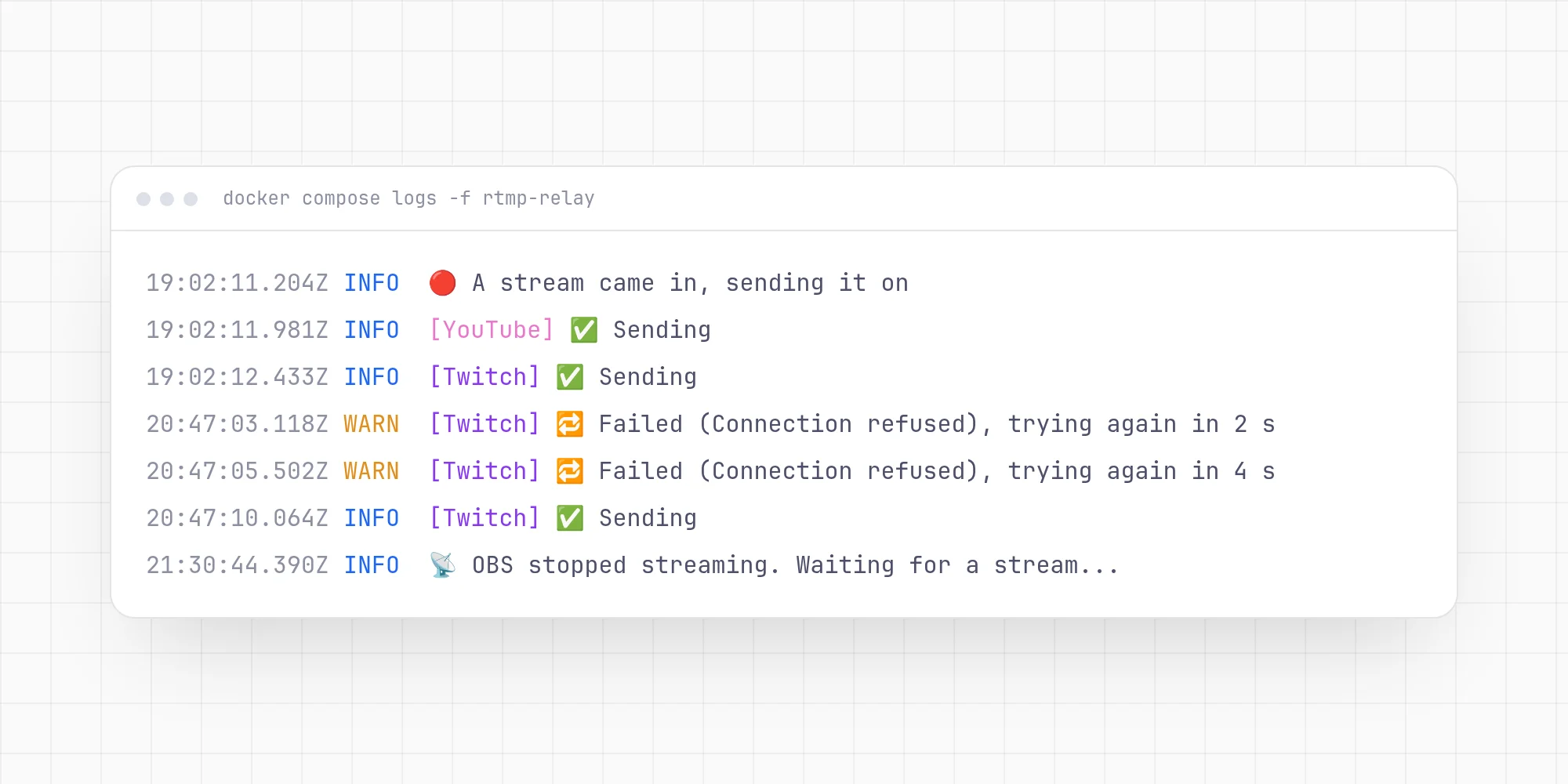
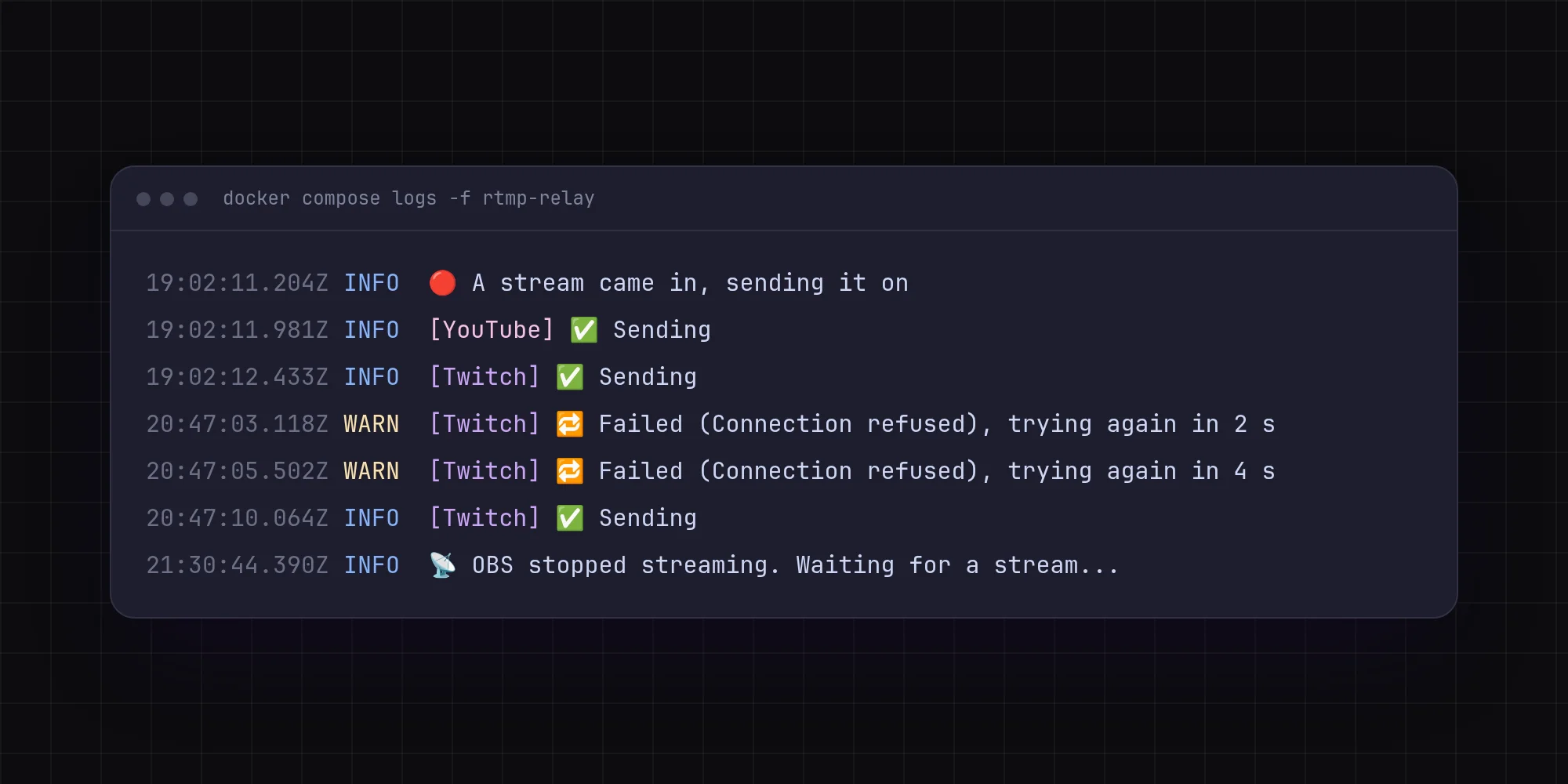
Each platform's FFmpeg is kept running by its own loop. If it exits while the stream is live, it waits and tries again: two seconds the first time, then twice as long each time it fails in a row, up to 30 seconds. A run that lasted more than a minute counts as a fresh start, so a blip an hour in only waits two seconds.
Twitch can fail all evening and YouTube never notices.
When FFmpeg doesn't give up
Retrying only helps if FFmpeg exits when something goes wrong. FFmpeg 8.1 sometimes doesn't. When a platform's server goes away mid-stream, it can sit there forever, connected to nothing. So every FFmpeg gets a watchdog: once a second it checks whether the frame count has moved, and if nothing has been sent for 30 seconds it kills the process, and the retry loop takes over.
Numbers that show a drop
I wanted to see how each platform was doing while live, so FFmpeg writes its progress to stdout as key=value lines, using -progress pipe:1. FFmpeg's own fps and speed are averages since it started, though. An hour into a stream, a minute of trouble barely moves them.
So the relay keeps its own samples of the frame count, bytes written and stream time, and every two seconds works out the rate since the last sample:
A speed below 1x means that platform's encode can't keep up, and it shows within two seconds.
Telling the dashboard
All of this goes into a small JSON file: whether a stream is coming in, what it is (h264, 2560x1440, 60 fps), and each platform's state, frame rate, bitrate, speed, restarts and last error. My server dashboard reads it with docker exec and shows it on the relay's tile. Docker's health check reads the same file, so docker ps shows the relay as unhealthy if the file stops updating.
Keeping keys out of the logs
FFmpeg names its outputs by their full address, and a stream key is part of that address. The logs show up in my dashboard, where anyone who can see the relay can read them. So the relay registers every key when it starts, and every line it prints goes through one function first:
It isn't clever, but it doesn't have to be: there's only one way out for a log line, and the keys are always replaced on it.
What it comes down to
The relay is about 1,100 lines of TypeScript, and most of them are about what to do when something fails. Sending a stream on is one FFmpeg command. Keeping one platform's trouble away from the others, noticing a hang and showing a drop while it's happening is the rest. The next post is about the hardest failure: my own connection dropping.
No comments yet. Be the first!