Relay
- Date
- Author
 NINikki Sophie 🌸
- Stack
- TypeScript, Bun, FFmpeg, MediaMTX, Docker
- Tags
- Back-EndSelf-HostedStreaming
Overview
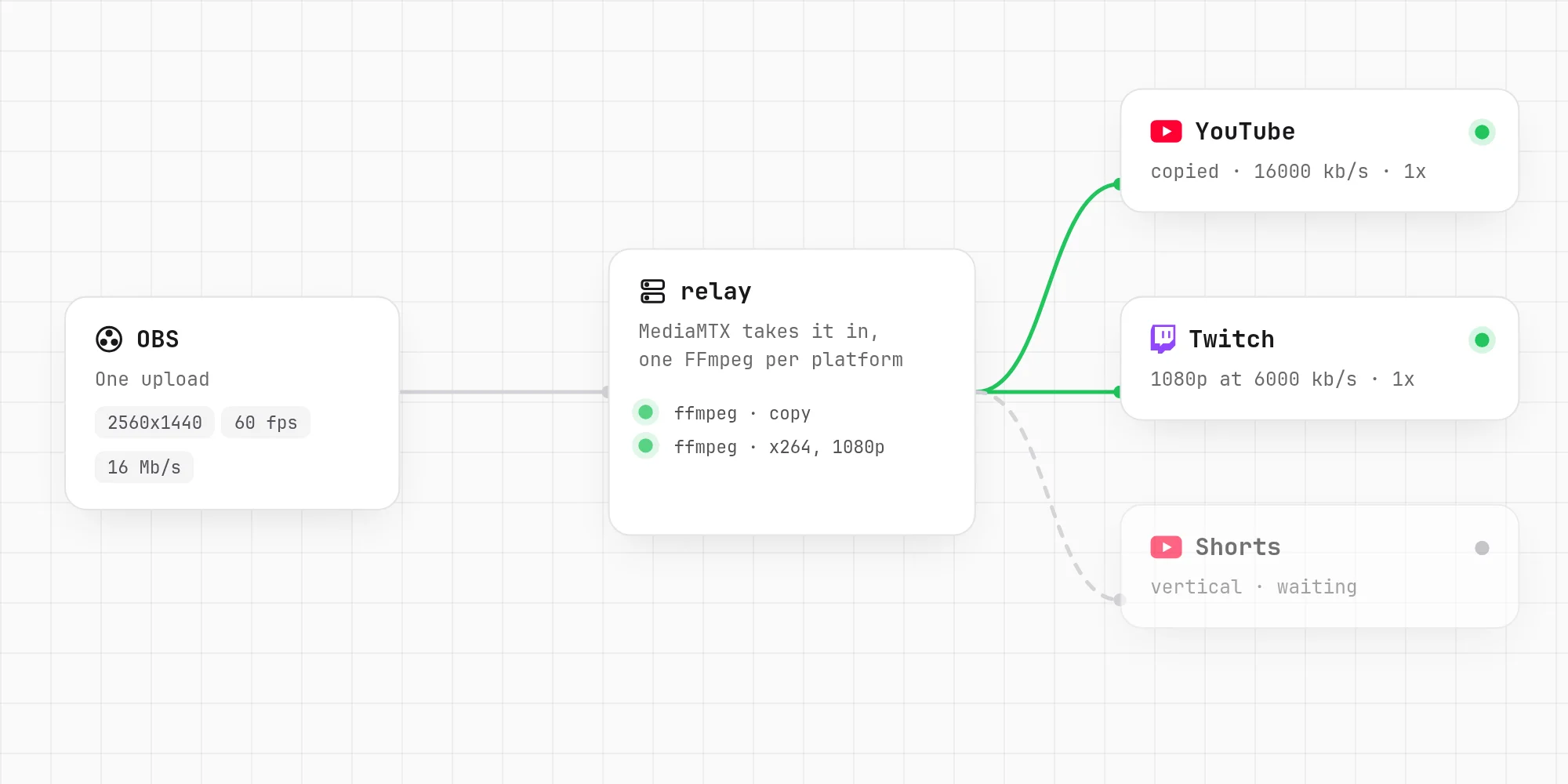
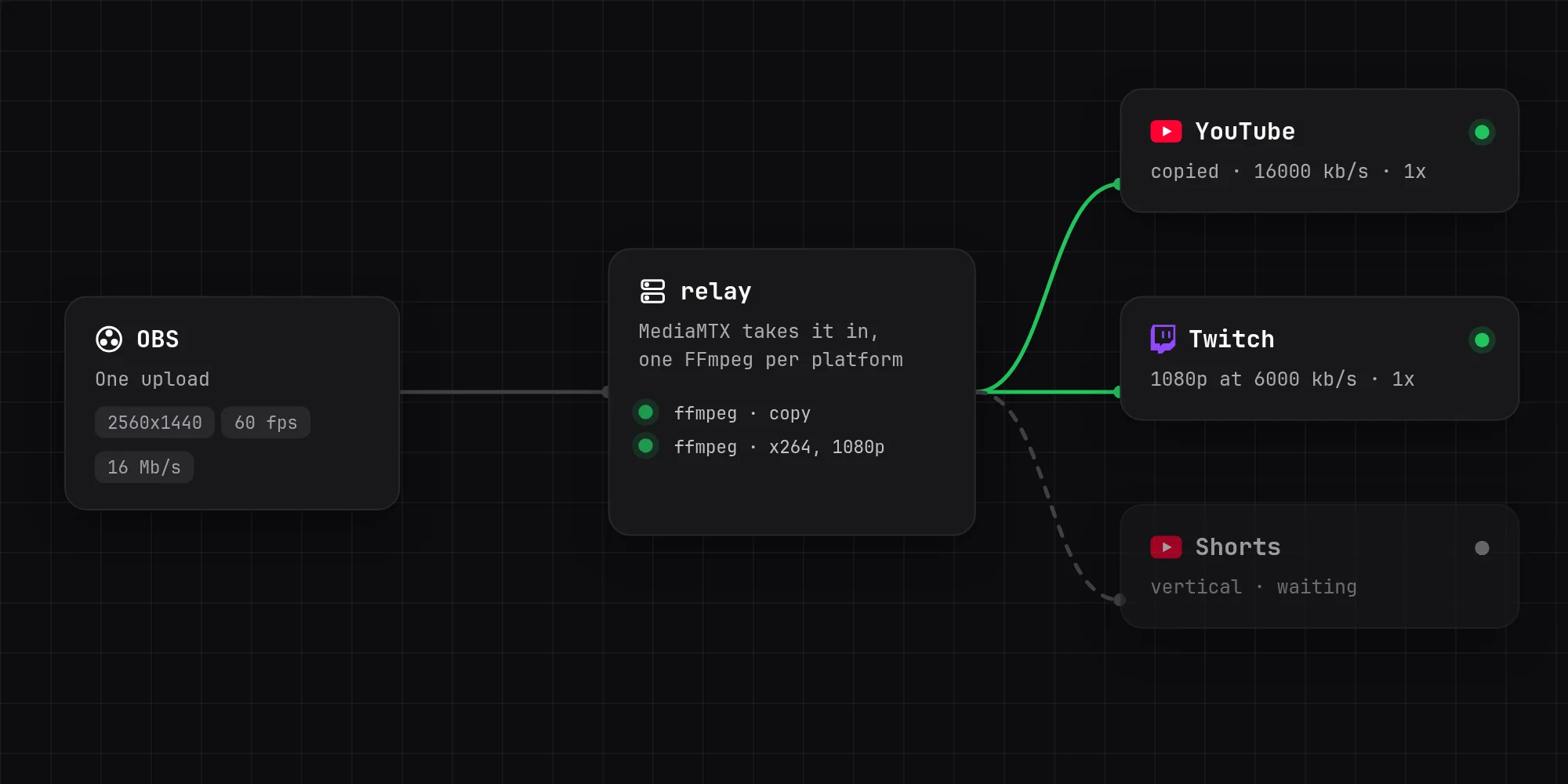
Stream to YouTube and Twitch at once while uploading only once. OBS sends one stream to my server, and the relay sends it on: to YouTube untouched at full quality, and to Twitch scaled down to what Twitch takes. My upload can carry one 1440p stream at 16 Mb/s, but not that and a second one for Twitch, so the server does the second encode instead.
Features
- Any number of platforms: each is an output in
.envwith its address and key. An output with no resolution, bitrate or preset gets the stream copied as it comes in, at almost no CPU. One with any of them gets its own x264 encode, with a keyframe every two seconds whatever the frame rate. - RTMP or SRT from OBS. SRT copes better with Wi-Fi and mobile data: it only resends what went missing, where RTMP slows the whole stream down to catch up. It can be encrypted with a passphrase too.
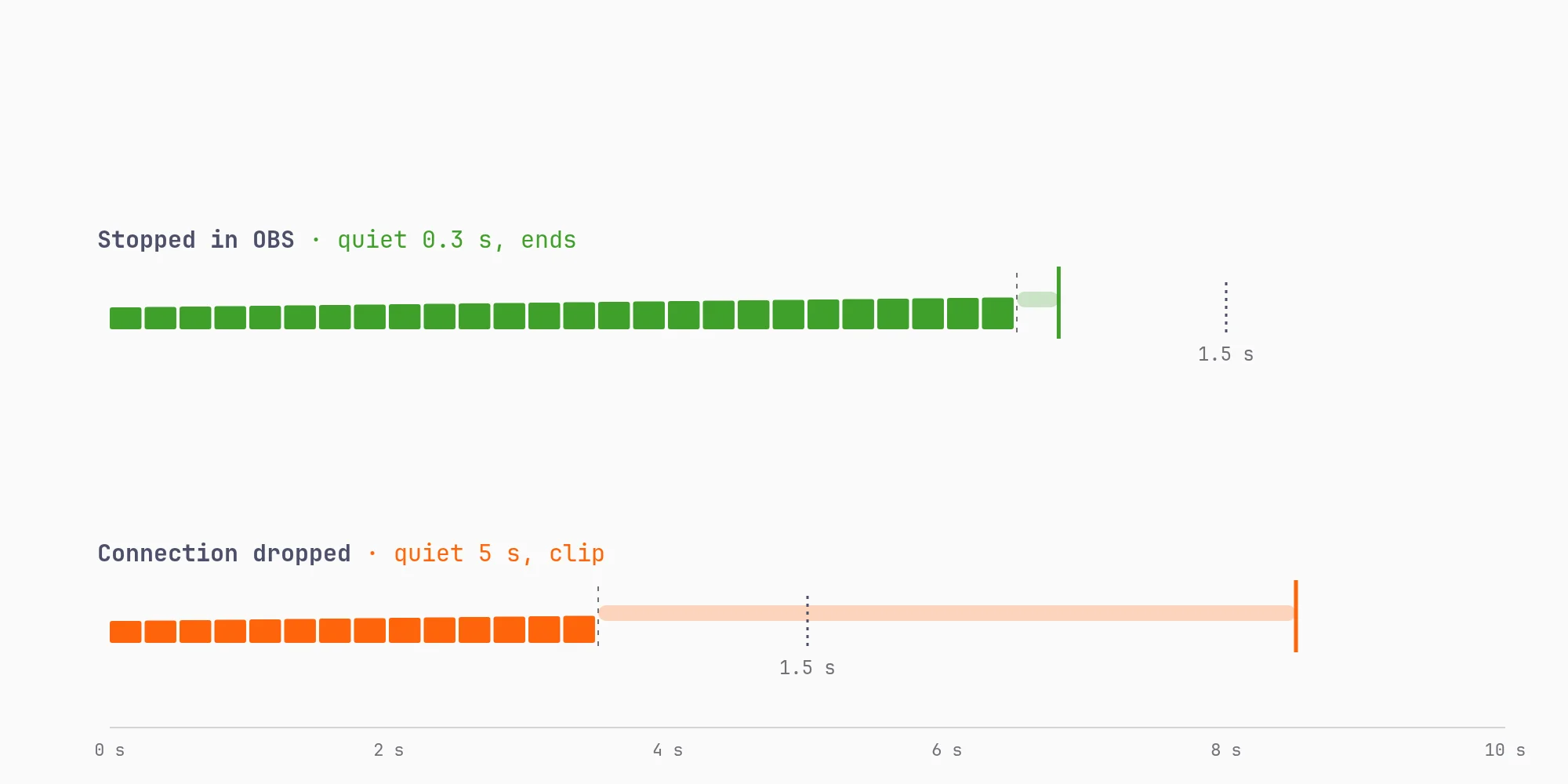
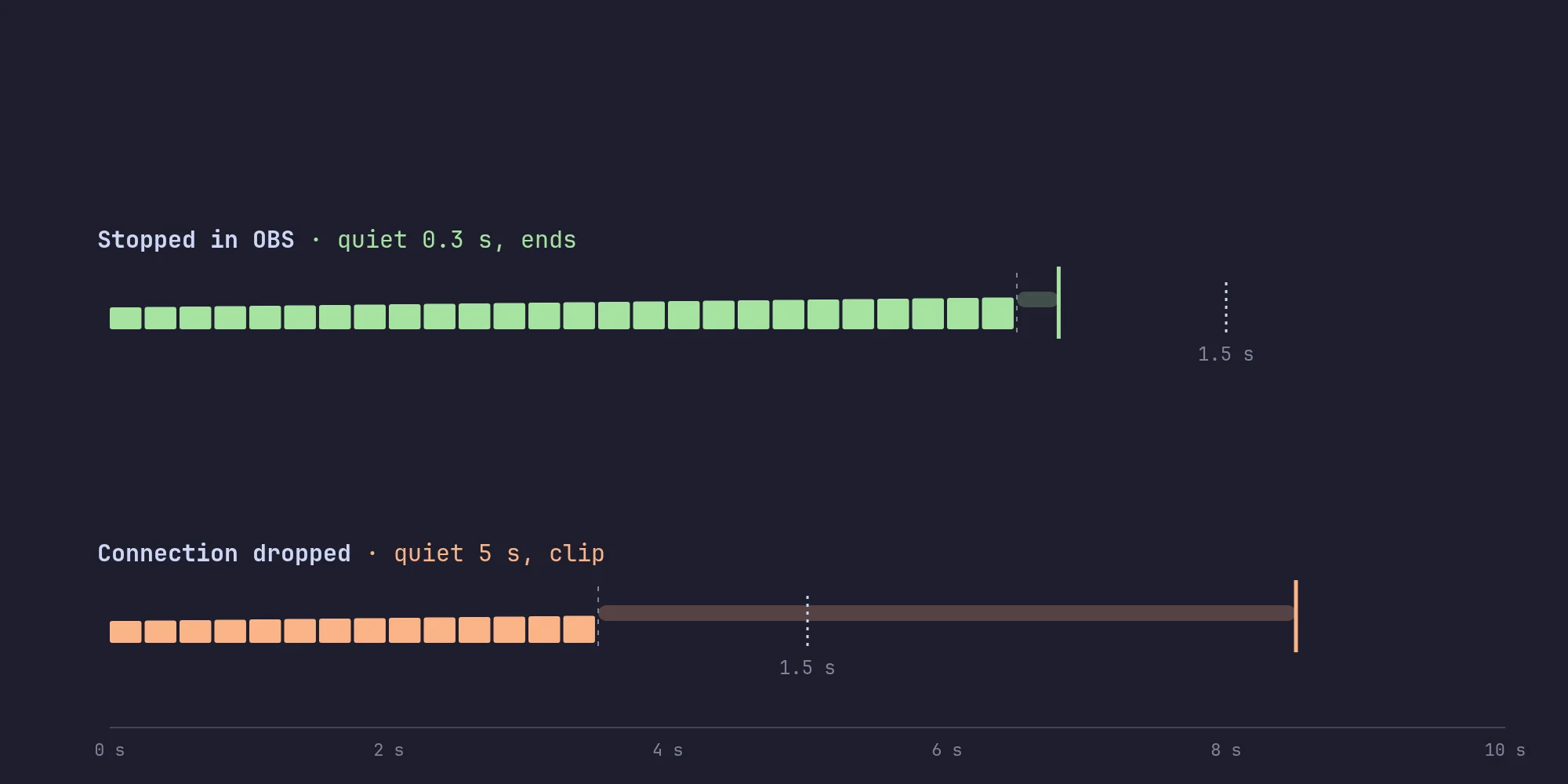
- A "be right back" clip when my connection drops. The platforms keep the stream going and viewers stay, and when OBS reconnects the stream picks back up by itself. Stopping in OBS on purpose still ends it everywhere at once.
- Vertical streams for YouTube Shorts and TikTok: OBS sends a second, 9:16 stream with the Aitum Vertical plugin, and outputs choose which one they get.
- Recording of what OBS sends, at full quality, a file an hour, deleted after a week or whatever I set.
- A status file with whether it's live, what's coming in, and each platform's state, frame rate, bitrate, speed, dropped frames, restarts and last error. My dashboard shows it on the relay's tile, and Docker's health check reads it too.
How it works
MediaMTX at the door. OBS streams to MediaMTX, which only accepts a stream with the right password. Before it, FFmpeg listened by itself and took any stream key at all, so anyone could have streamed to my channels through it.
One FFmpeg per platform. At first one FFmpeg sent to both, so Twitch turning a key away took YouTube down too. Now each platform has its own process. One that fails is started again after 2 seconds, then twice as long each time it fails in a row, up to 30. A watchdog kills one that has sent no frames for 30 seconds, because FFmpeg can hang rather than exit when a server goes away.
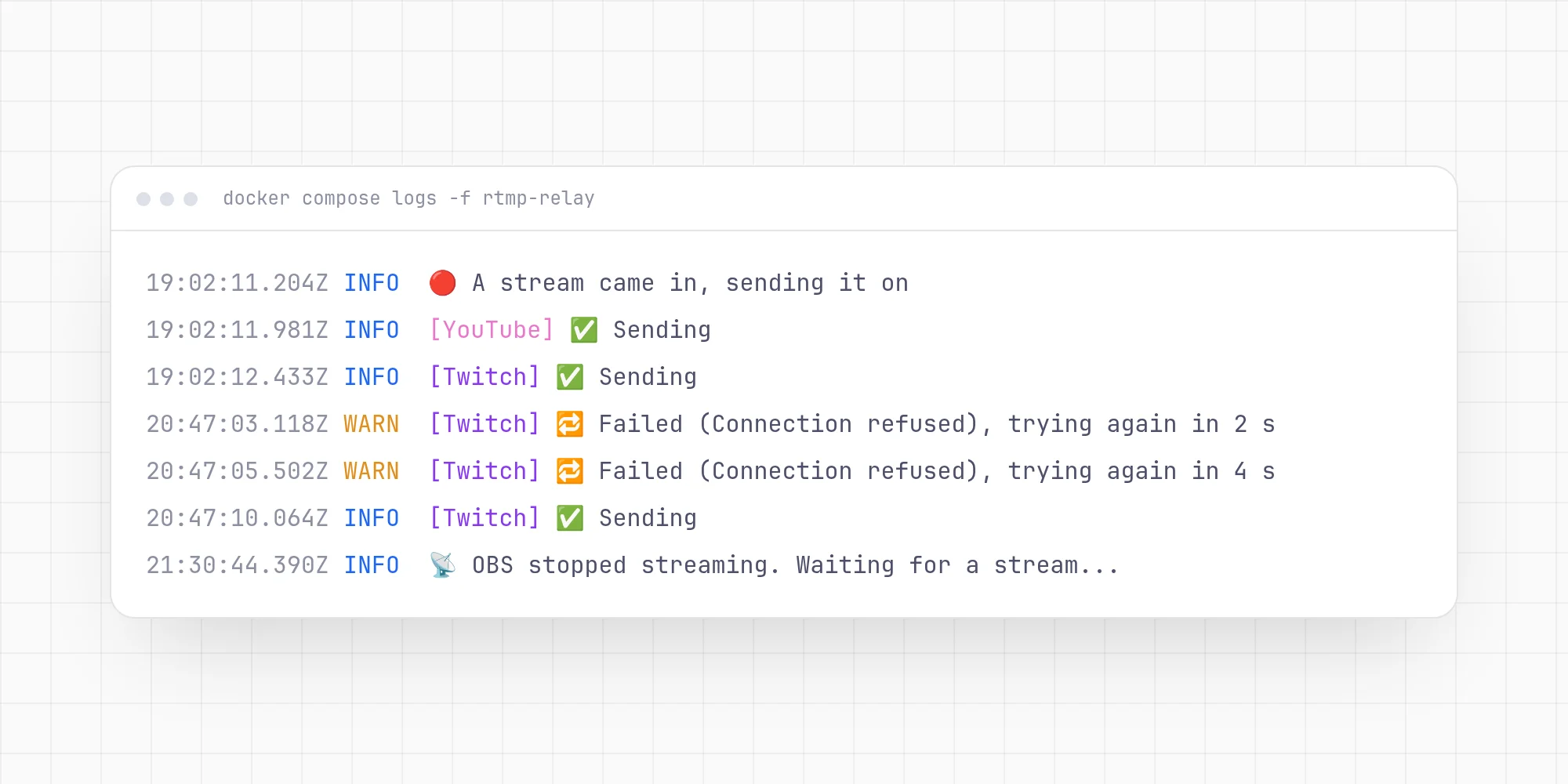
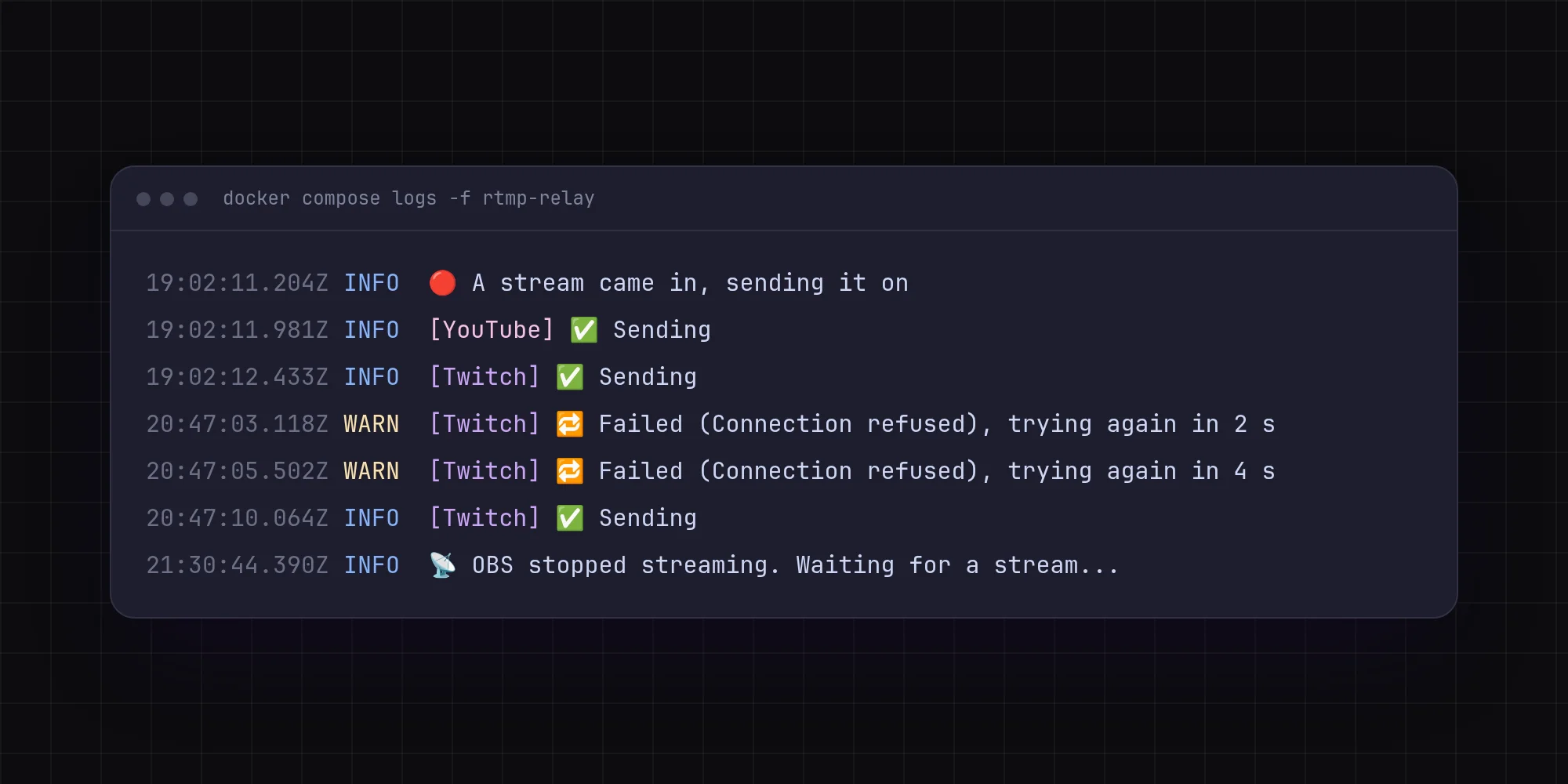
Numbers from the last two seconds. FFmpeg's own frame rate and speed are averages since it started, which hide a drop an hour in. The relay reads FFmpeg's progress output and works them out over each two seconds instead.
Stream keys never reach the logs. FFmpeg prints its full output addresses, keys included, so every line is cleaned before it's printed, and a line FFmpeg repeats every frame is printed once a minute with a count.
Settings that complain. A setting the relay doesn't know, like a misspelt OUTPUT_1_BITRAT, stops it with an error instead of being quietly ignored.
Stack
TypeScript on Bun, FFmpeg 8, MediaMTX, Docker Compose.