Tinderhaj
- Date
- Author
 NINikki Sophie 🌸
- Stack
- Next.js, TypeScript, Tailwind CSS, shadcn/ui, PostgreSQL, Prisma, Better Auth, discord.js, Docker
- Tags
- Front-EndBack-EndFull-StackWebsiteSelf-Hosted
Pictures
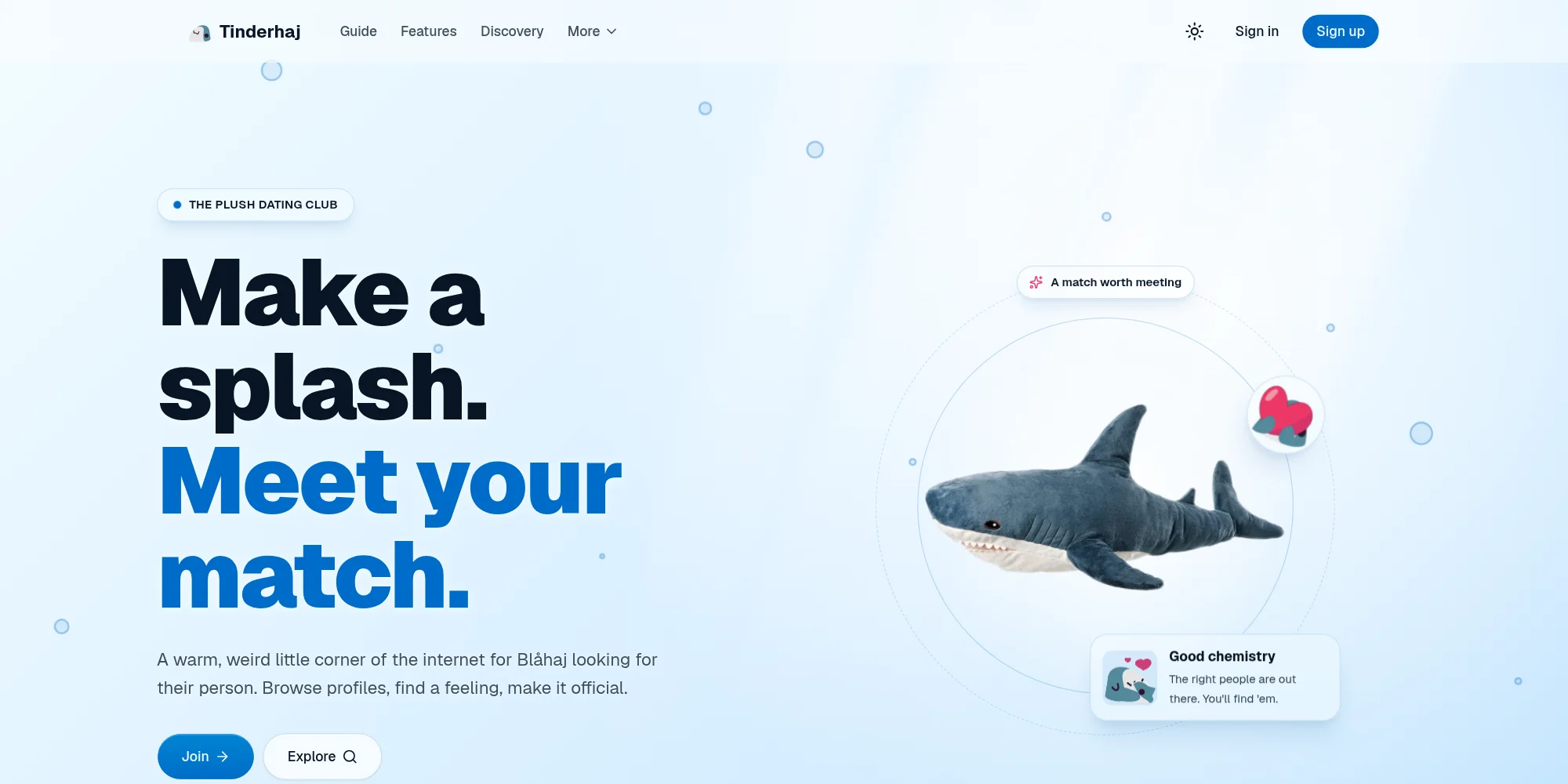
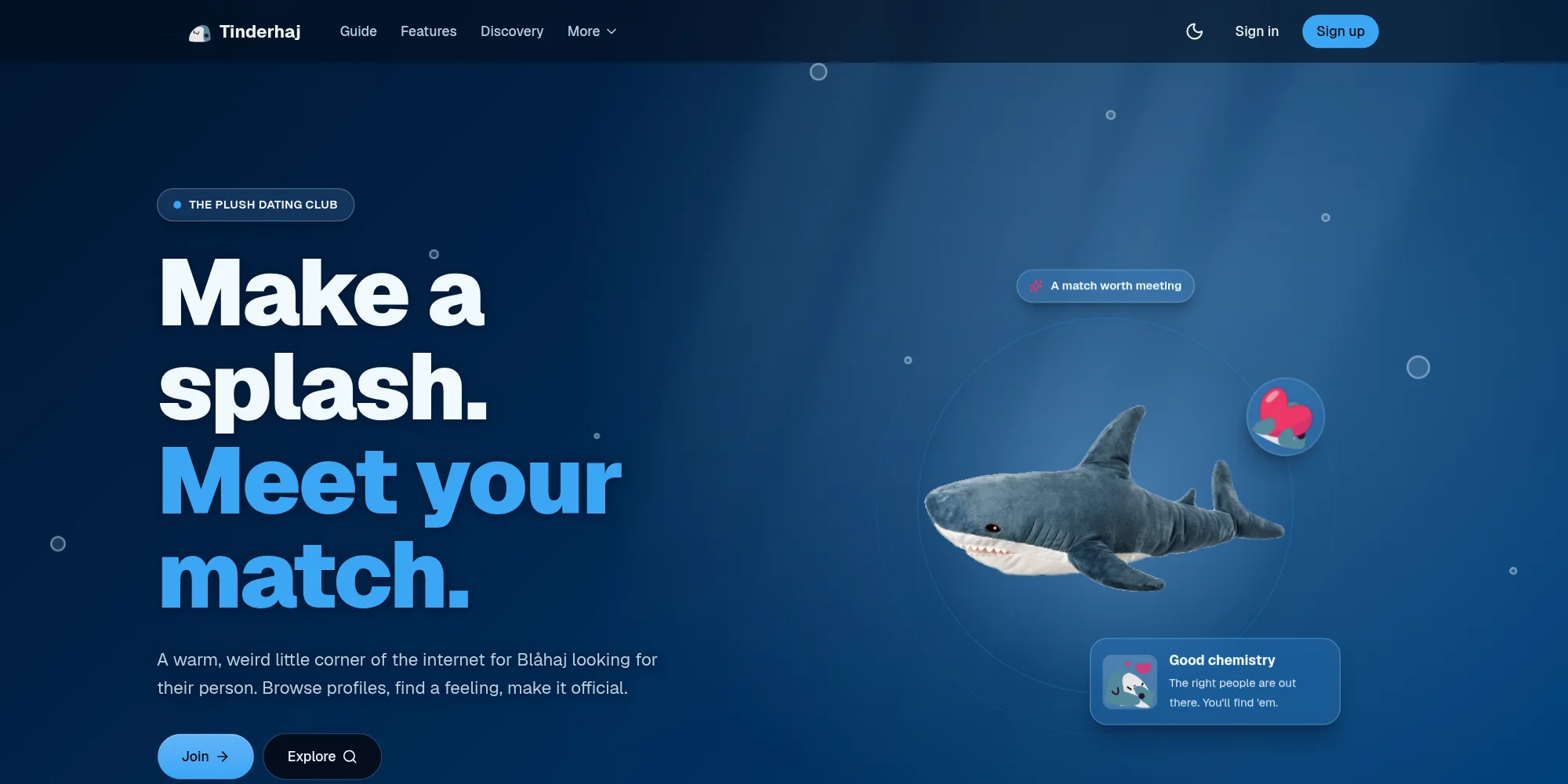
Every Blåhaj deserves someone to swim with. Tinderhaj is a dating site for plush sharks, named after IKEA's blue one: owners make a profile for each shark, a moderator checks it, and then it's out in the water, looking for a heart in return. Here's the trip one shark takes.
A profile of its own
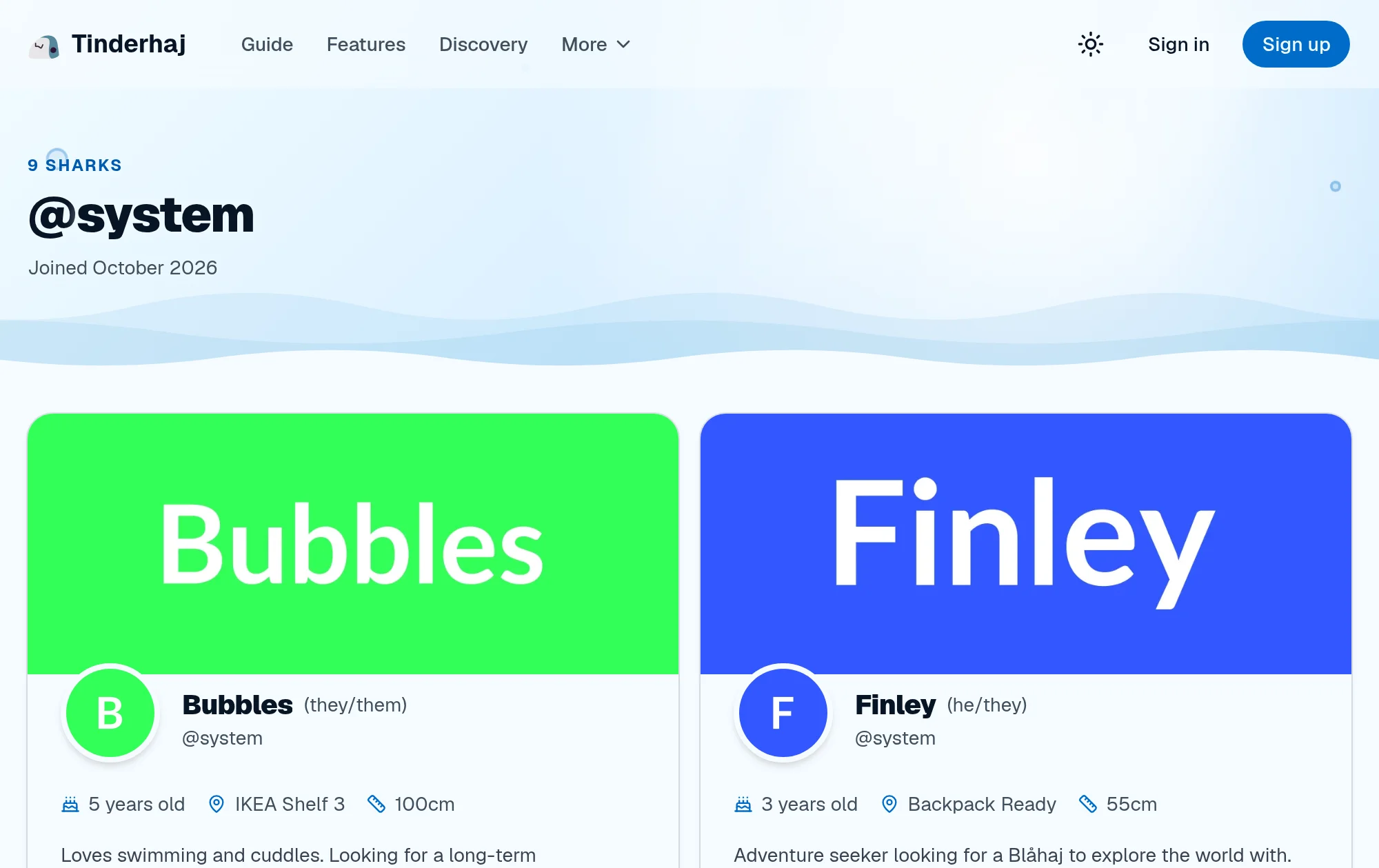
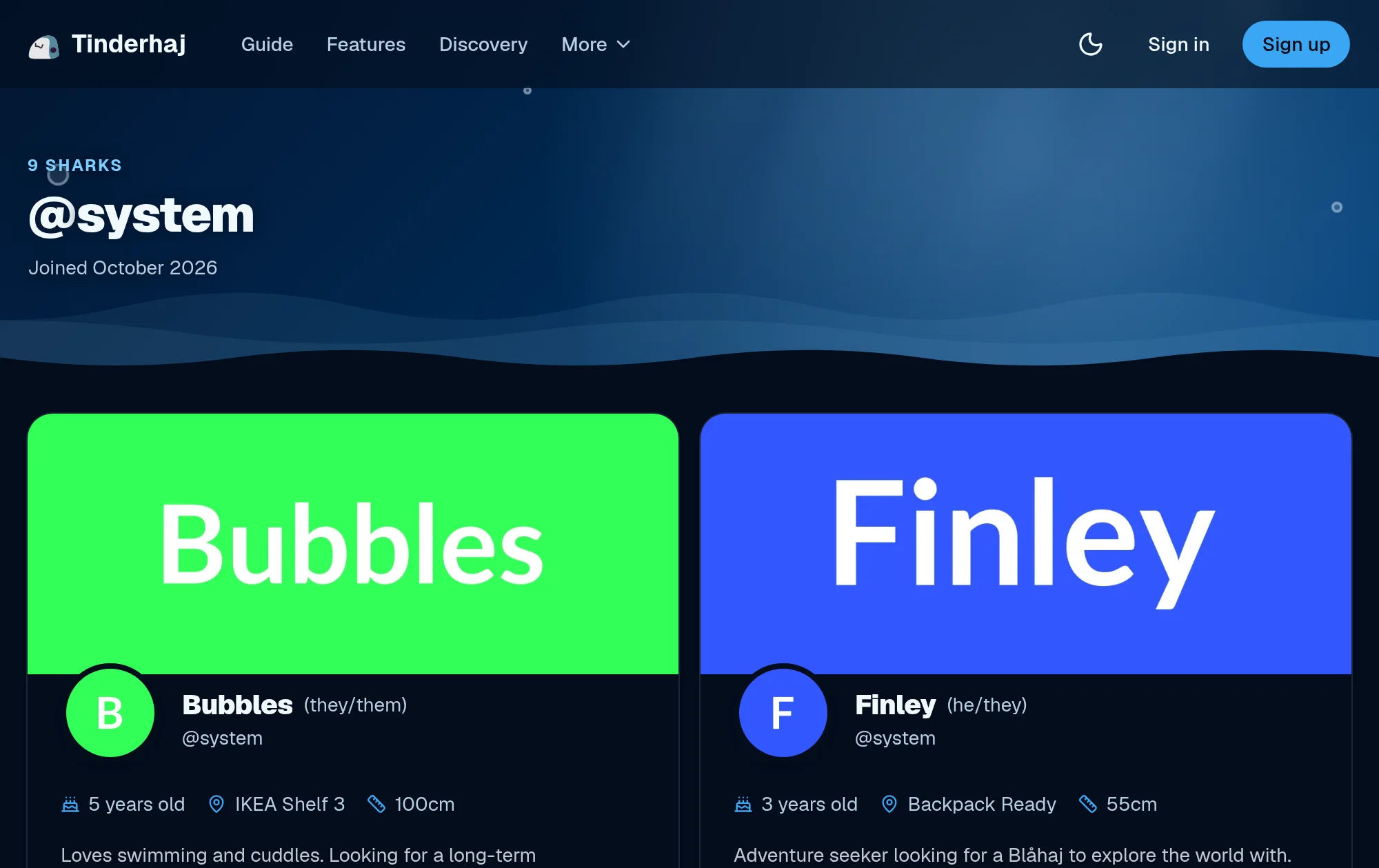
It starts with the owner making an account, with an email and password or with Google, Apple, Microsoft, GitHub, Discord, X, Twitch or Facebook. One account can look after up to five sharks, and each gets its own avatar, banner and details: name, location, pronouns, interests and a way to be reached that only the owners of matching sharks will ever see.
Every account also has a public page with all its verified sharks, and a preview picture of them when the link is shared.
A moderator takes a look
No shark is seen by anyone else until a moderator has checked its profile by hand. If something needs fixing, the rejection names the fields and can carry a note, so the owner knows exactly what to change. Once it's verified, the owner gets an email and the shark is in.
Out in the water
Discovery shows every verified shark, shuffled fresh on each visit, and can be searched by name, location, pronouns or interests. A newly verified shark gets a boost for its first three days, so it isn't lost at the bottom of the pile.
Hearts, then a match
A shark can heart up to 50 others a day. The Hearts page keeps track of hearts received, hearts sent and matches, and the navbar counts the hearts nobody has looked at yet.
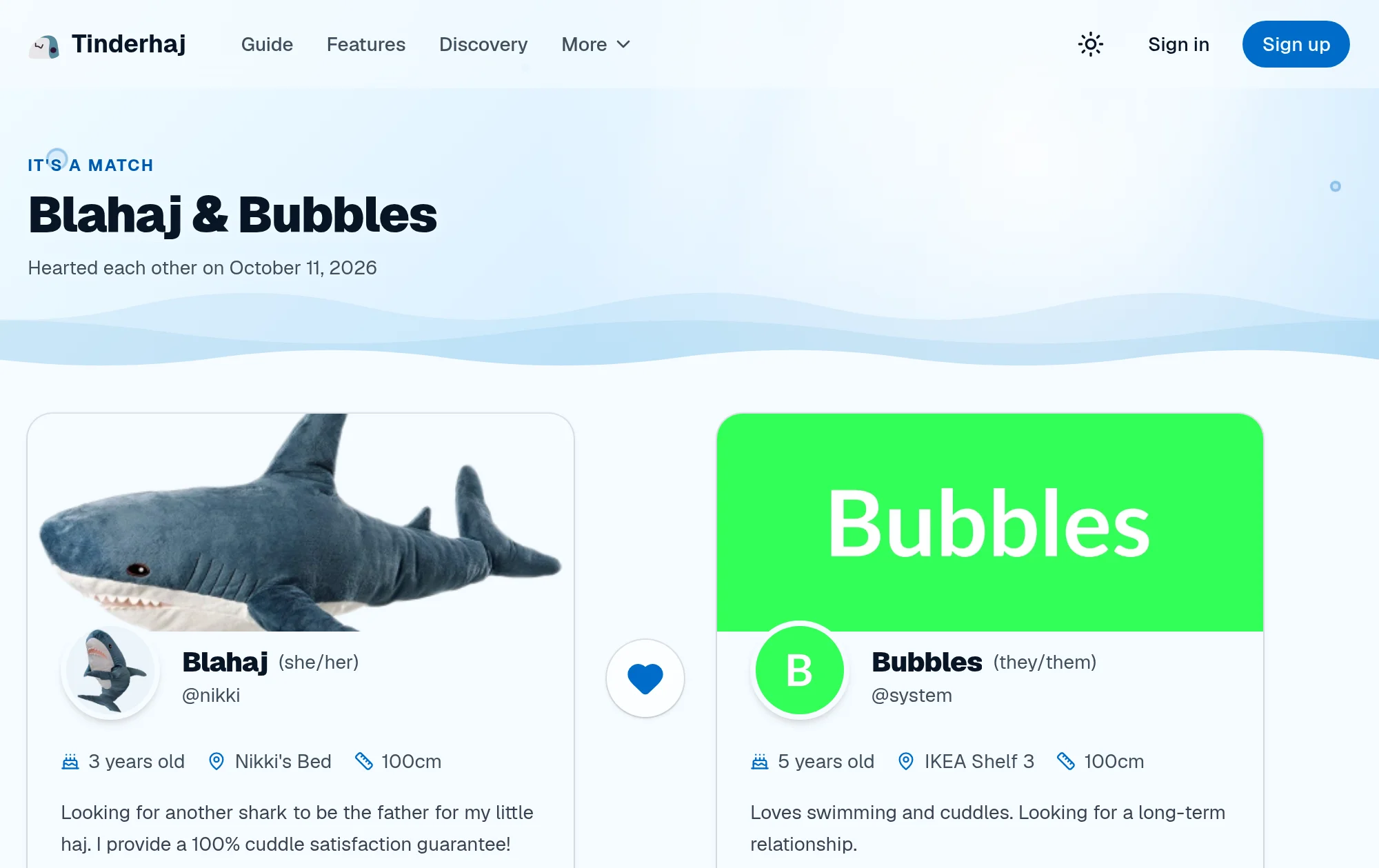
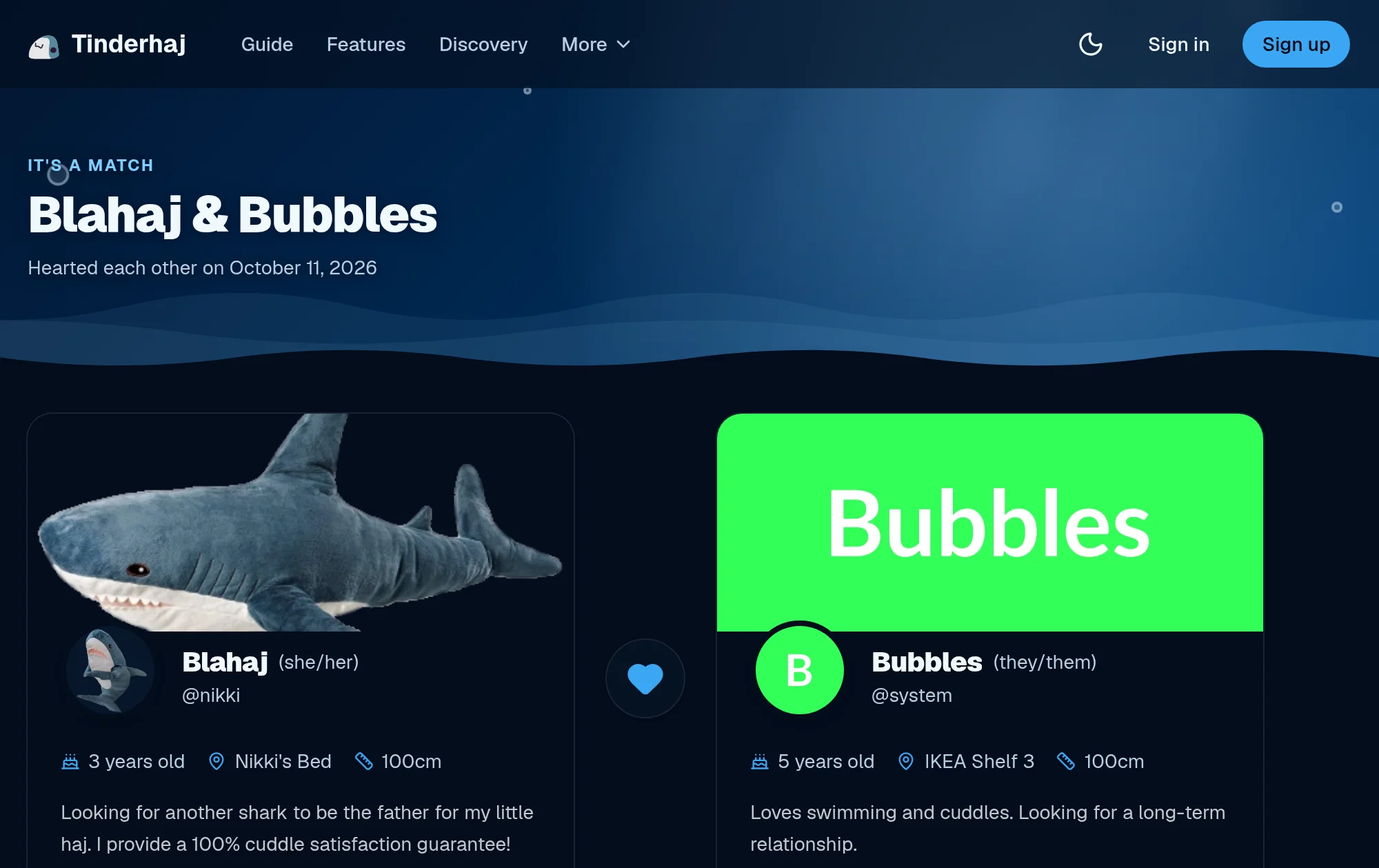
When two sharks heart each other, it's a match, and only then do their owners see each other's contact details. Either owner can give a match a page of its own to share, with a picture of both sharks and a heart between them. Matches nobody shared have no page.
Shark of the Week
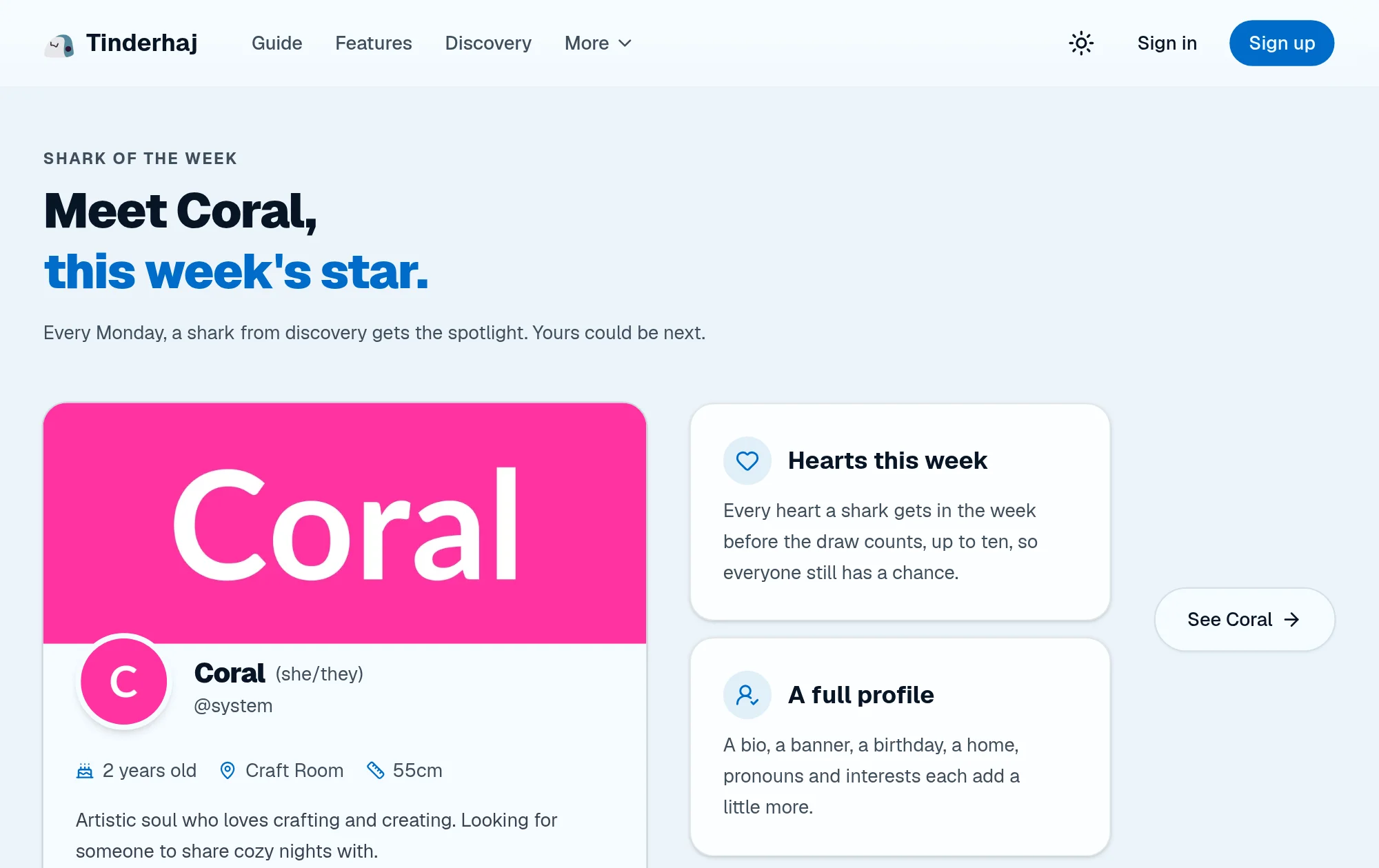
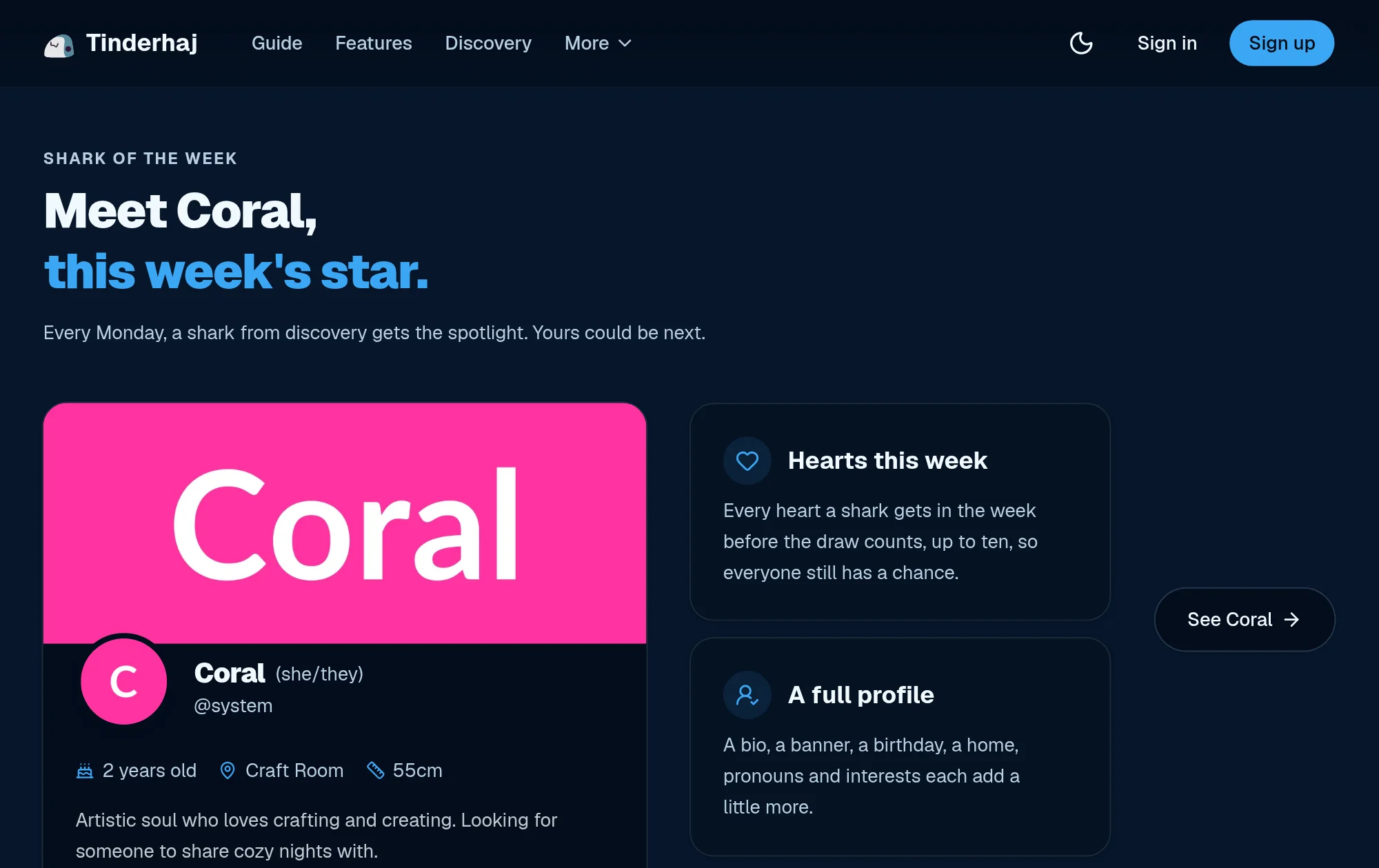
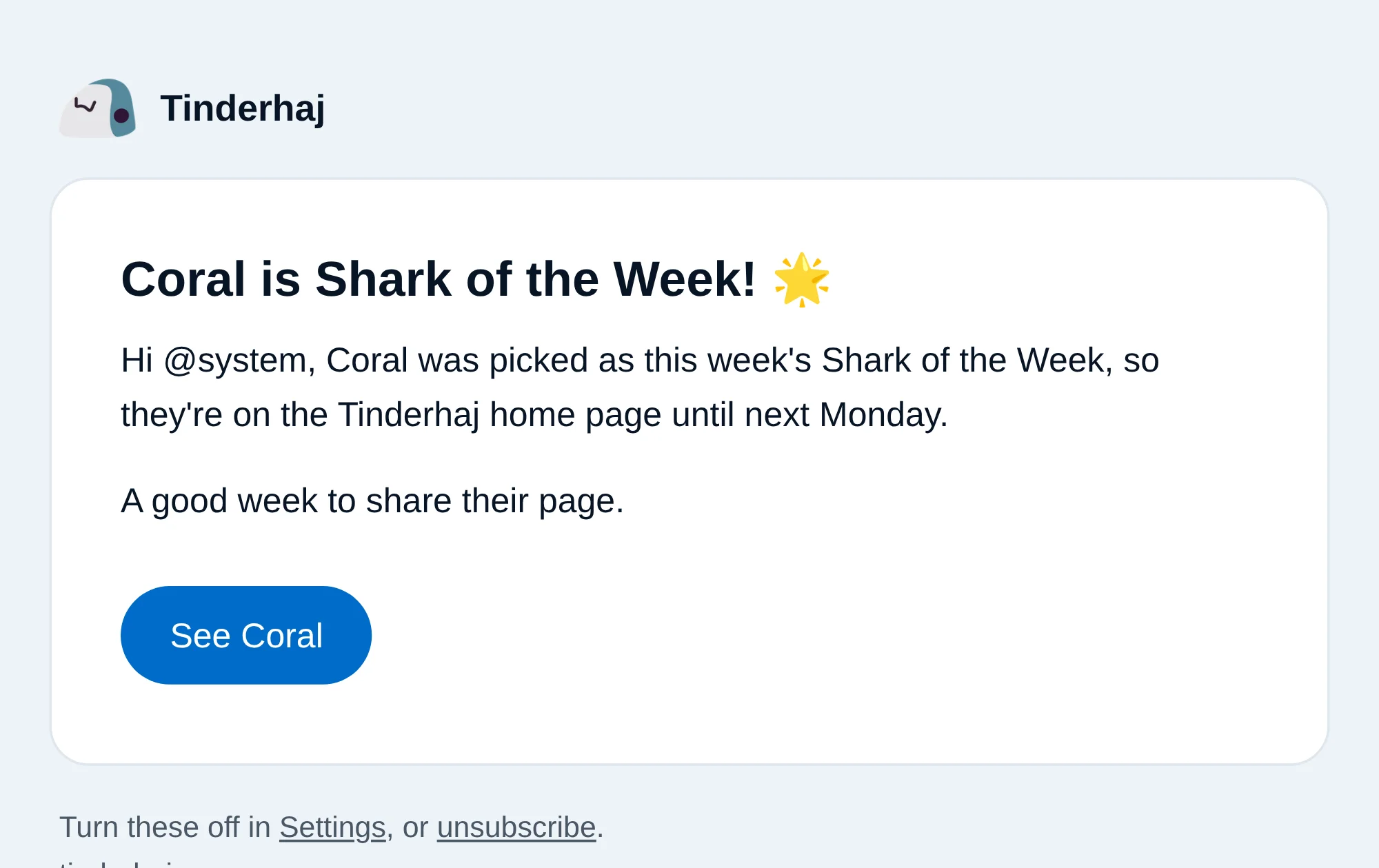
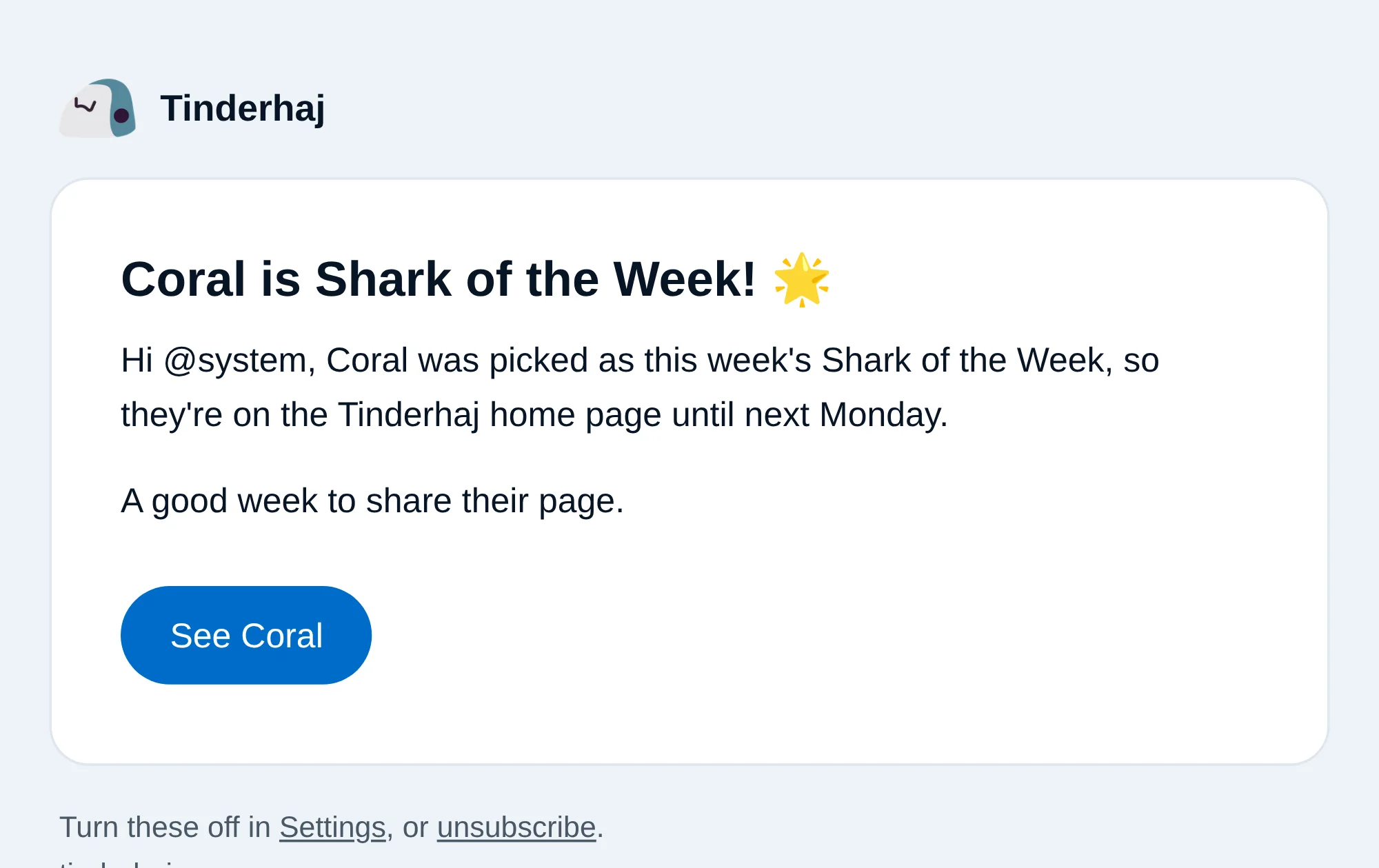
Every Monday, one shark gets the spotlight on the home page. Every verified shark with a photo has a chance, and a better one for that week's hearts, a filled-in profile and being new. A shark waits half a year before it can be drawn again, its owner gets an email, and moderators can skip a pick, which draws another.
Bringing friends along
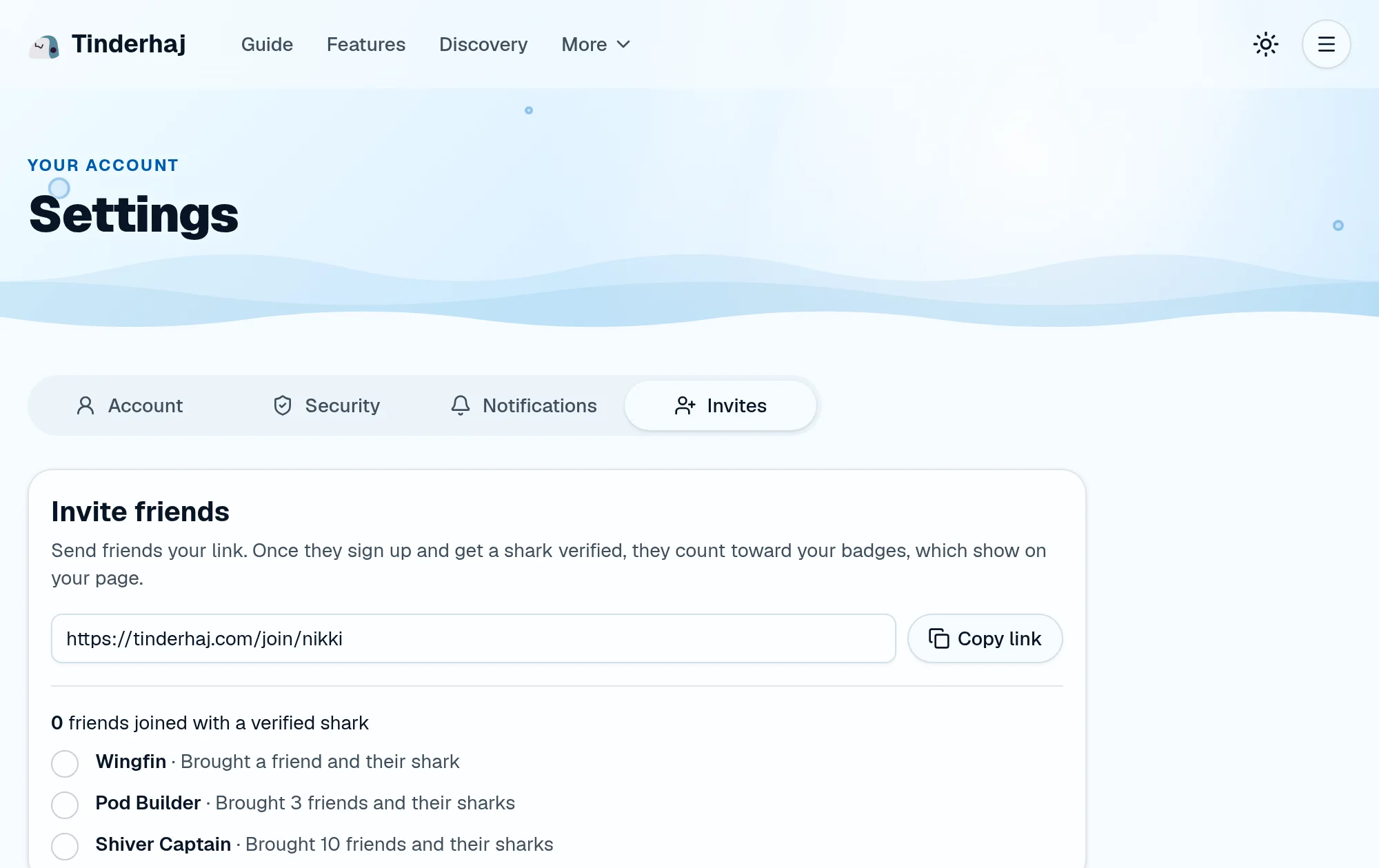
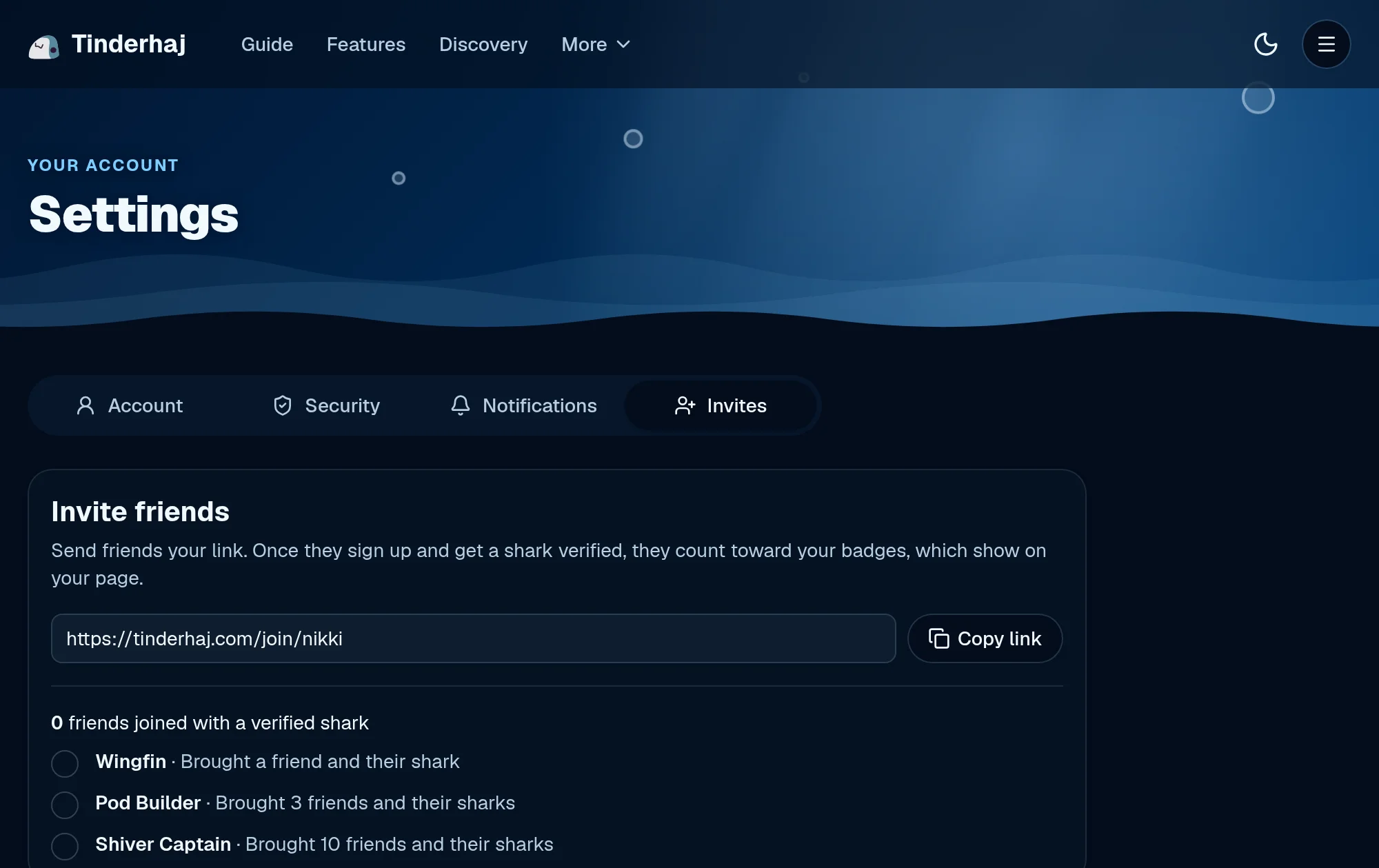
Everyone has an invite link of their own. Friends who sign up through it and get a shark verified earn the inviter a badge: Wingfin for one friend, Pod Builder for three and Shiver Captain for ten. The badges show in Settings and on the account's page.
Mail from the reef
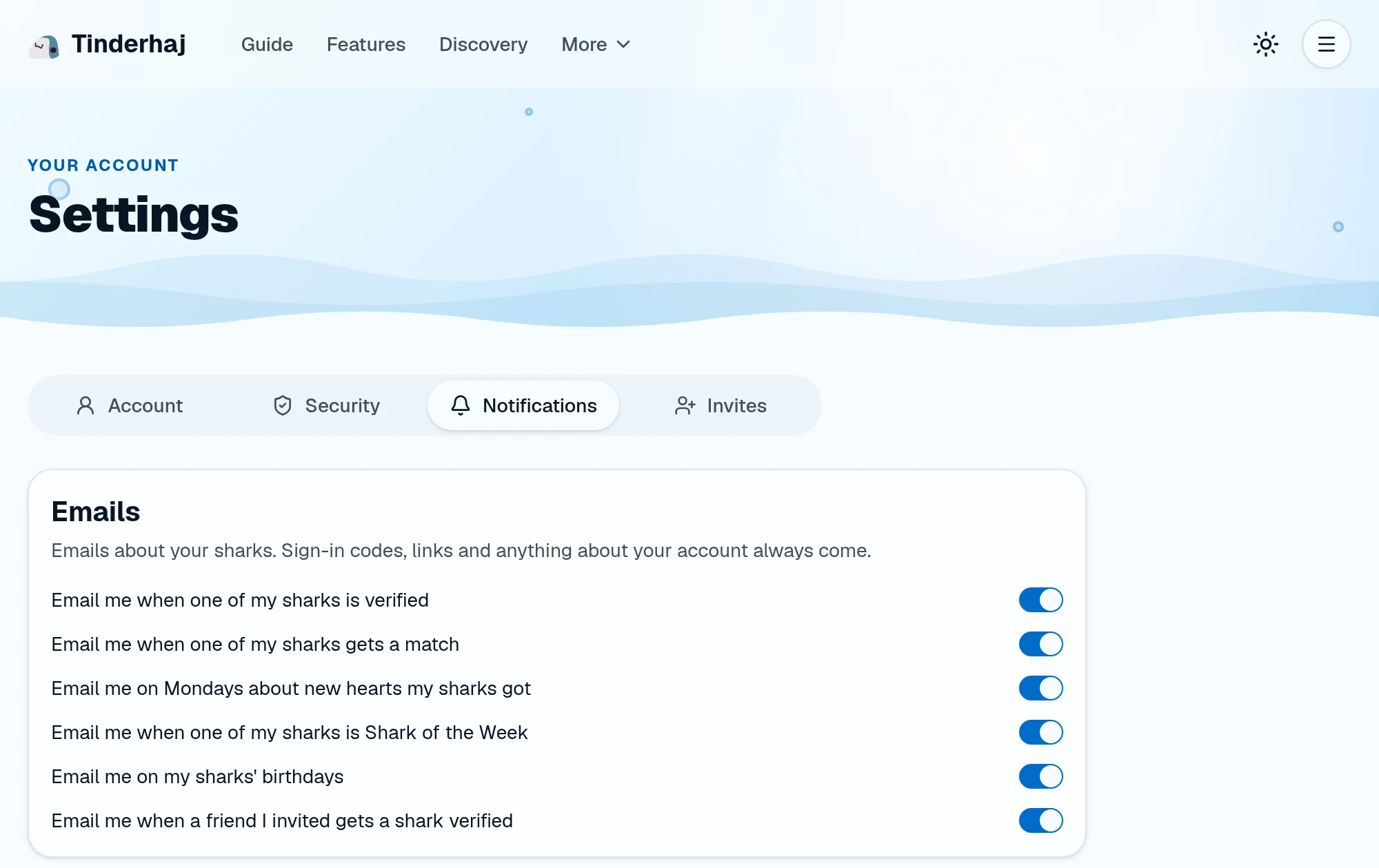
Owners hear about their sharks by email. Two kinds go out:
| Kind | Emails | Can be turned off |
|---|---|---|
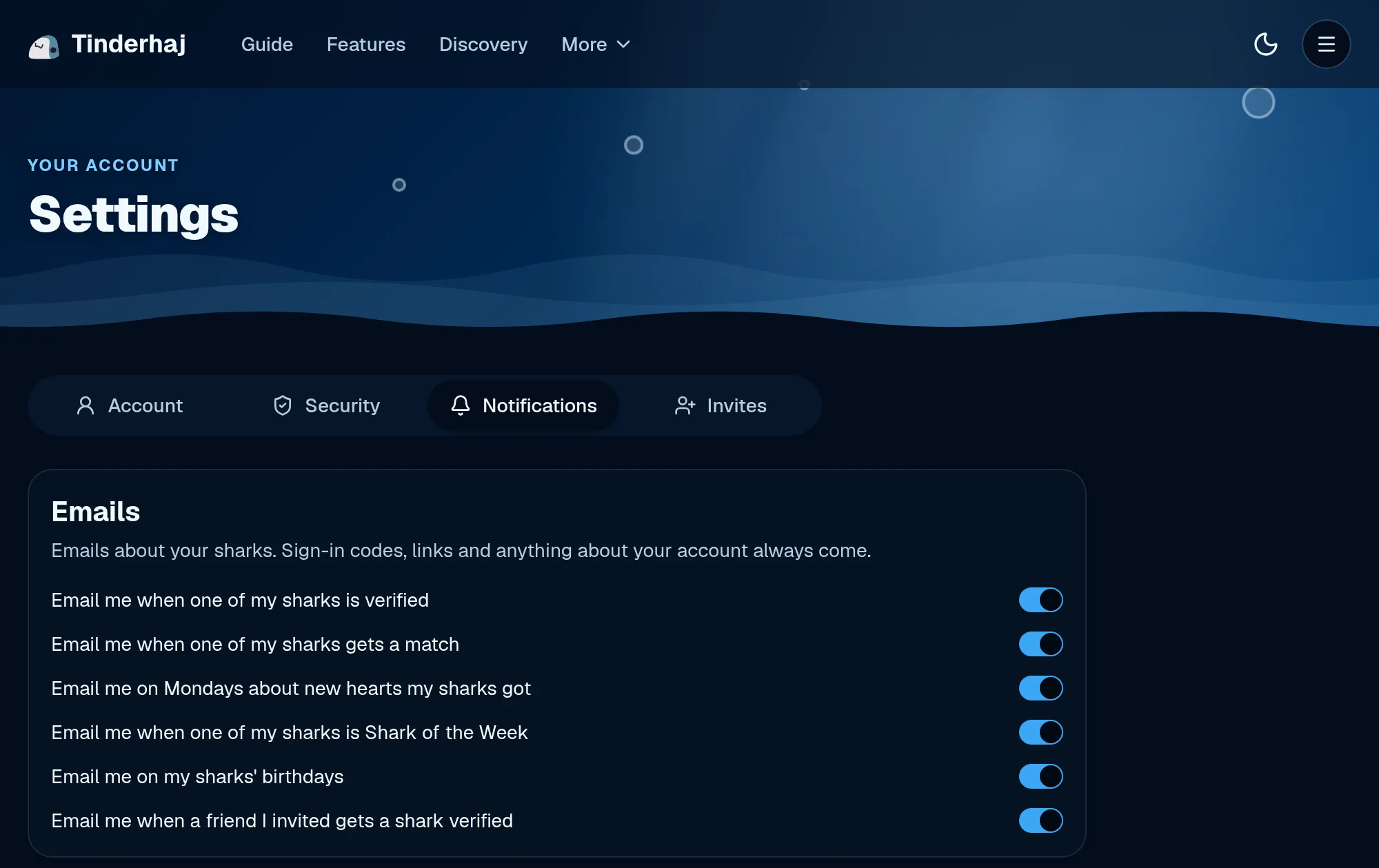
| About your sharks | verified, a match, its birthday, Shark of the Week, Monday's unseen hearts, an invited friend's first verified shark | Yes, each with its own switch in Settings > Notifications and its own unsubscribe link, including the one-click unsubscribe mail apps show |
| About your account | what to change after a rejection, with the moderator's note; a sign-in from a browser the account never used before; bans and lifted bans; updates on a report | No, these always come |
The birthday and Monday emails go out from an hourly schedule that sends each one only once.
When something goes wrong
A site full of strangers needs a lifeguard or two.
- Reports can be made from a shark's card or from a match's contact details, and moderators work through them in a queue.
- Roles for users, moderators and admins. Bans run from a day to permanent, with a reason the banned person sees, and admins can change roles, end sessions, reset passwords and delete accounts.
- Accounts stay the owner's. Email addresses are verified, an email change is confirmed from the old address, and deleting an account is confirmed by email. Two-step sign-in works with an authenticator app, email codes or backup codes, along with trusted devices and passkeys, and a list of active sessions can sign out other devices.
- Your data, to take with you. Settings > Account downloads everything kept about an account as a JSON file. Settings has four tabs in all: Account, Security, Notifications and Invites.
Tinderhaj's own birthday
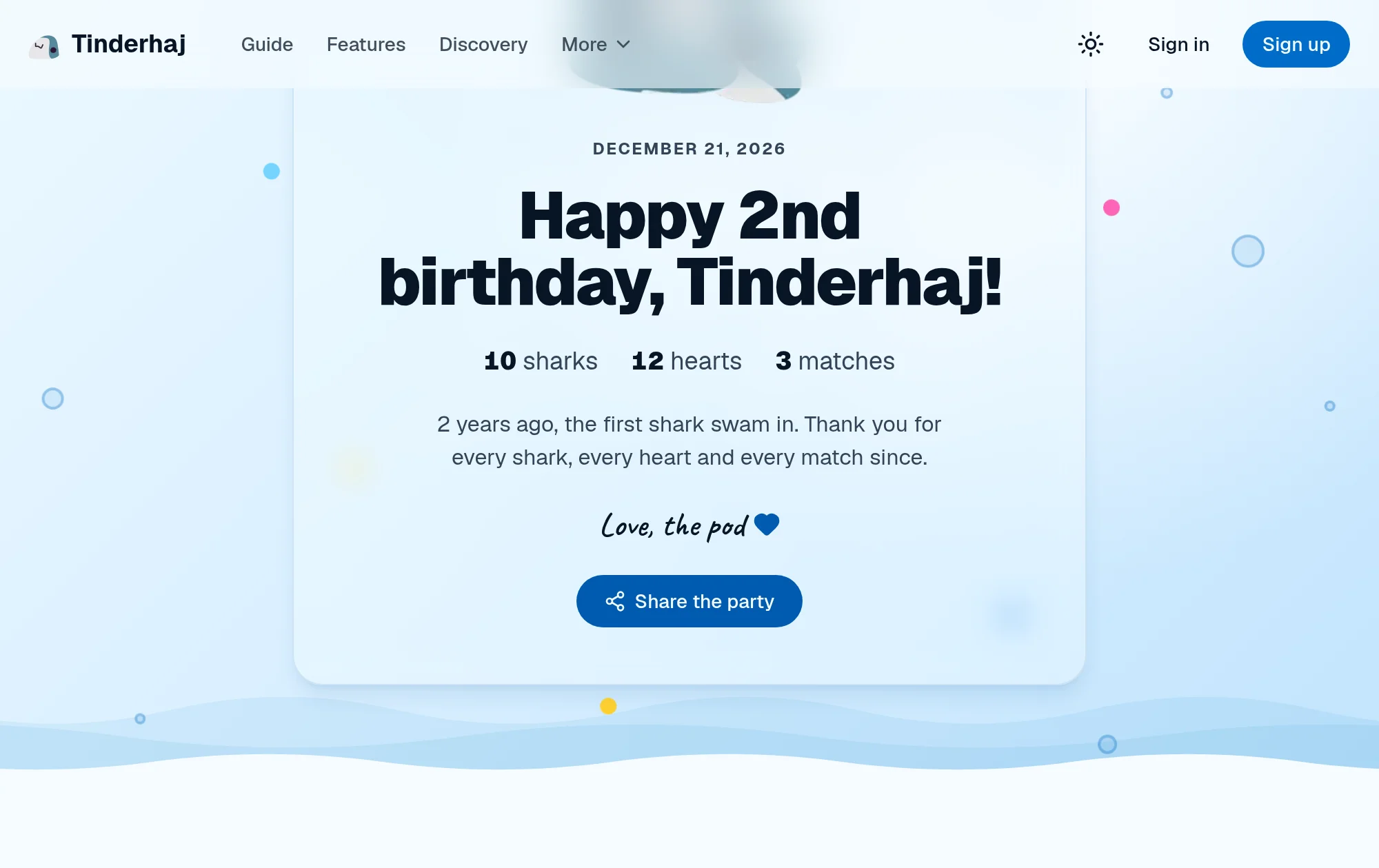
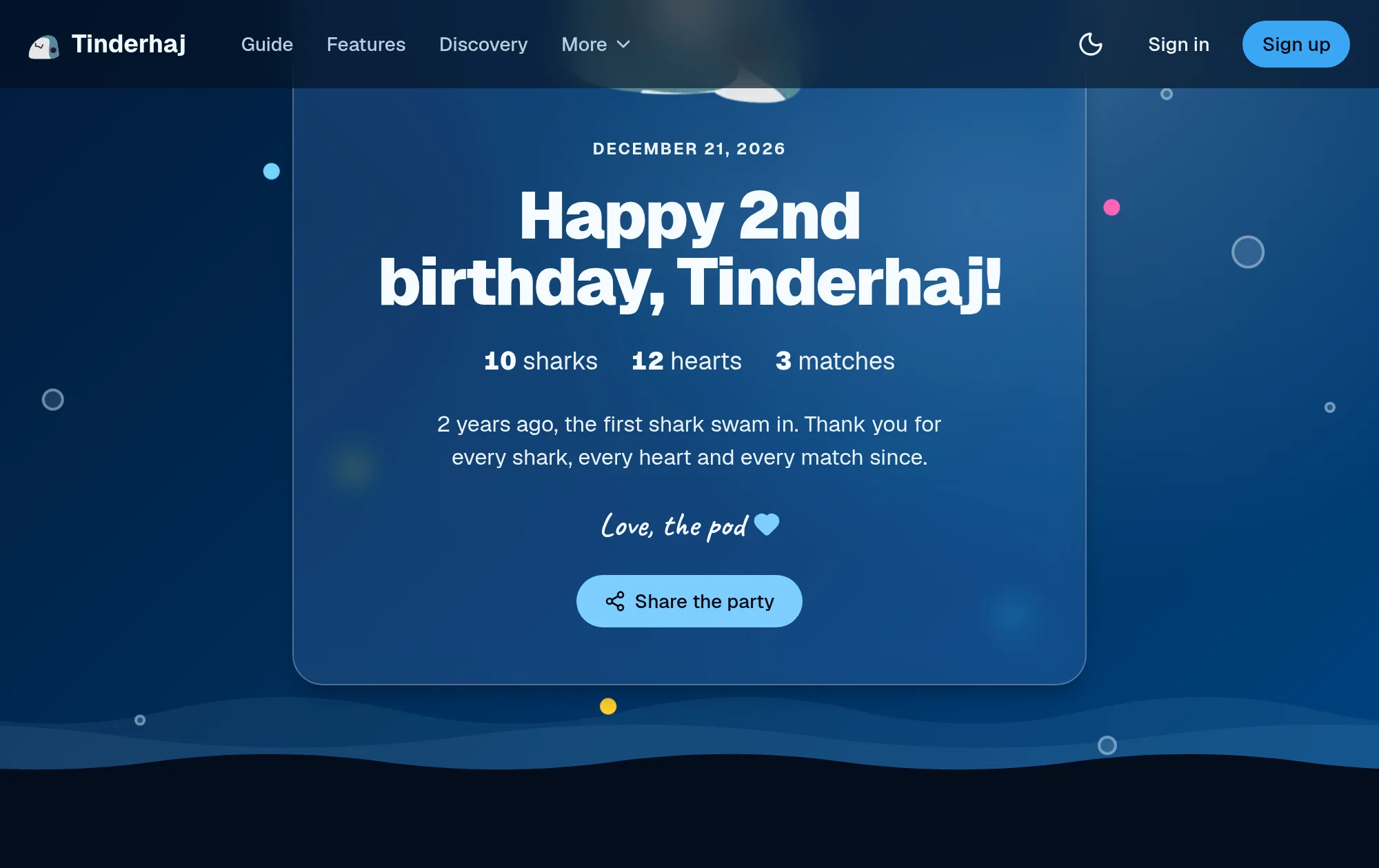
Sharks aren't the only ones with birthdays. Tinderhaj's birthday page opens a card, then tells the story of the year a big line at a time, with every shark, heart and match since it began in real numbers, and it has a share picture of its own.
The home page's water changes with the calendar too: snow in December, confetti for New Year and Tinderhaj's birthday week, hearts for Valentine's, Trans Day of Visibility and Pride month, and bats and little ghosts in October. Most days have none. Each comes with a badge and a button to turn it off, and with reduced motion turned on there are none at all.
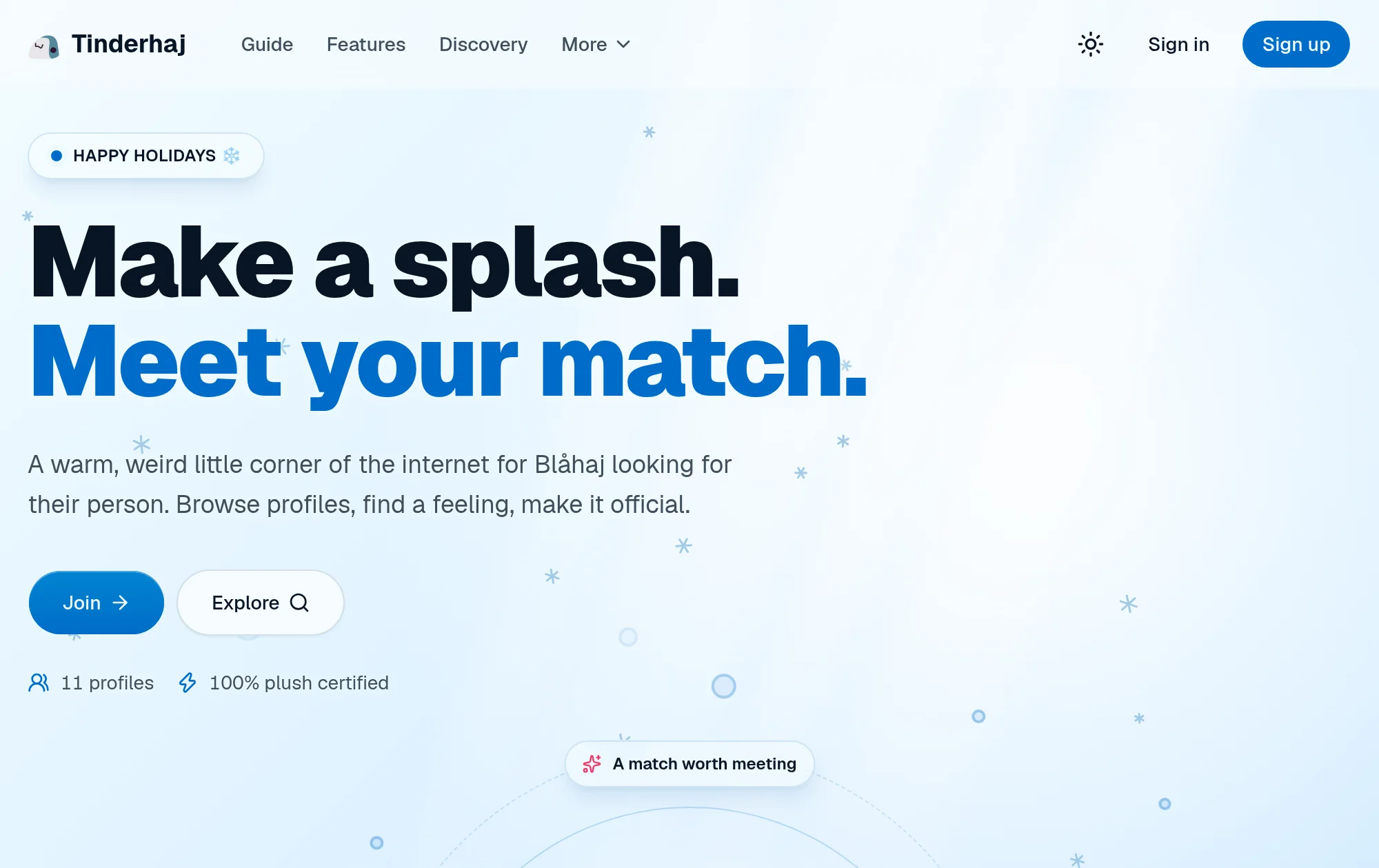
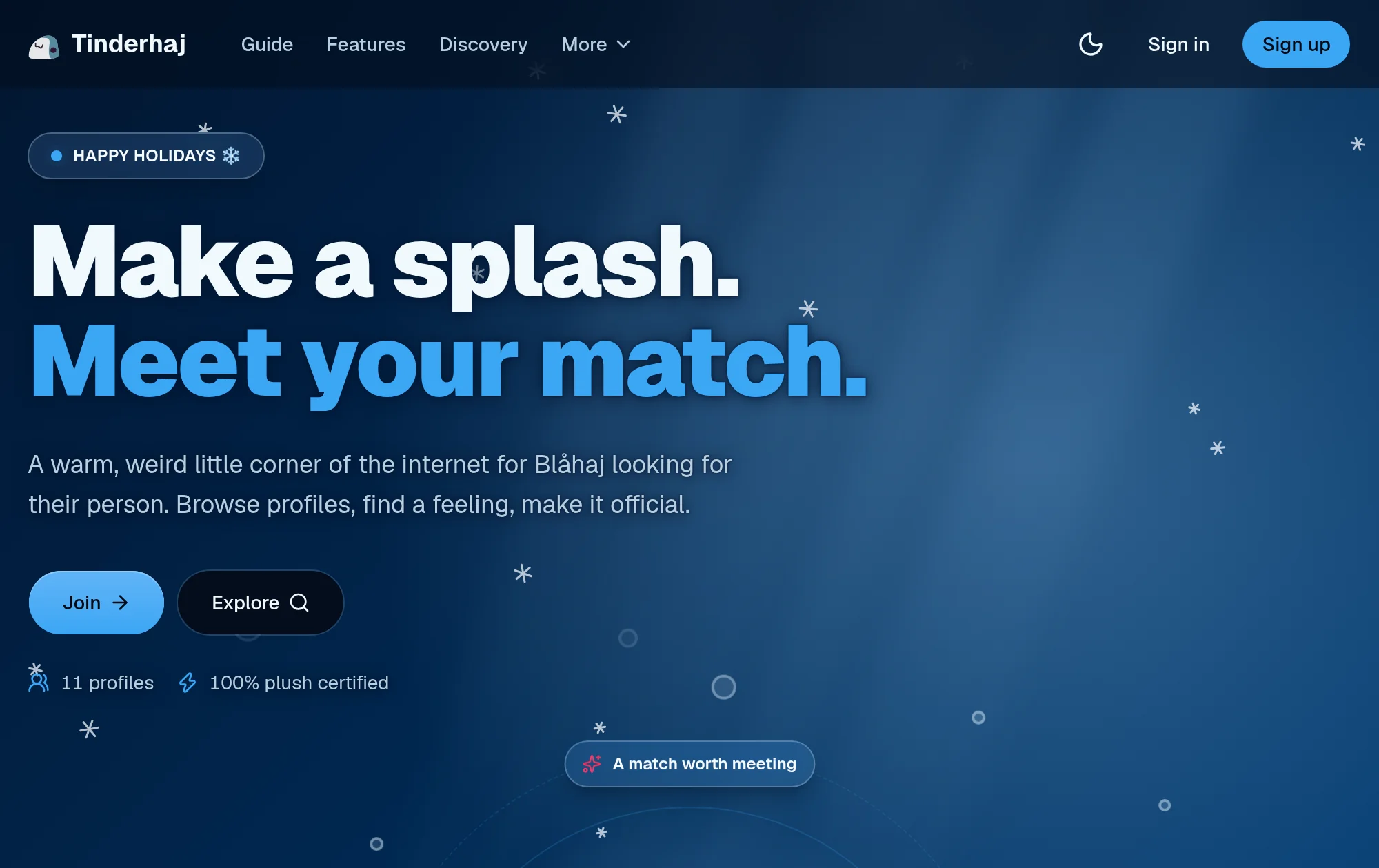
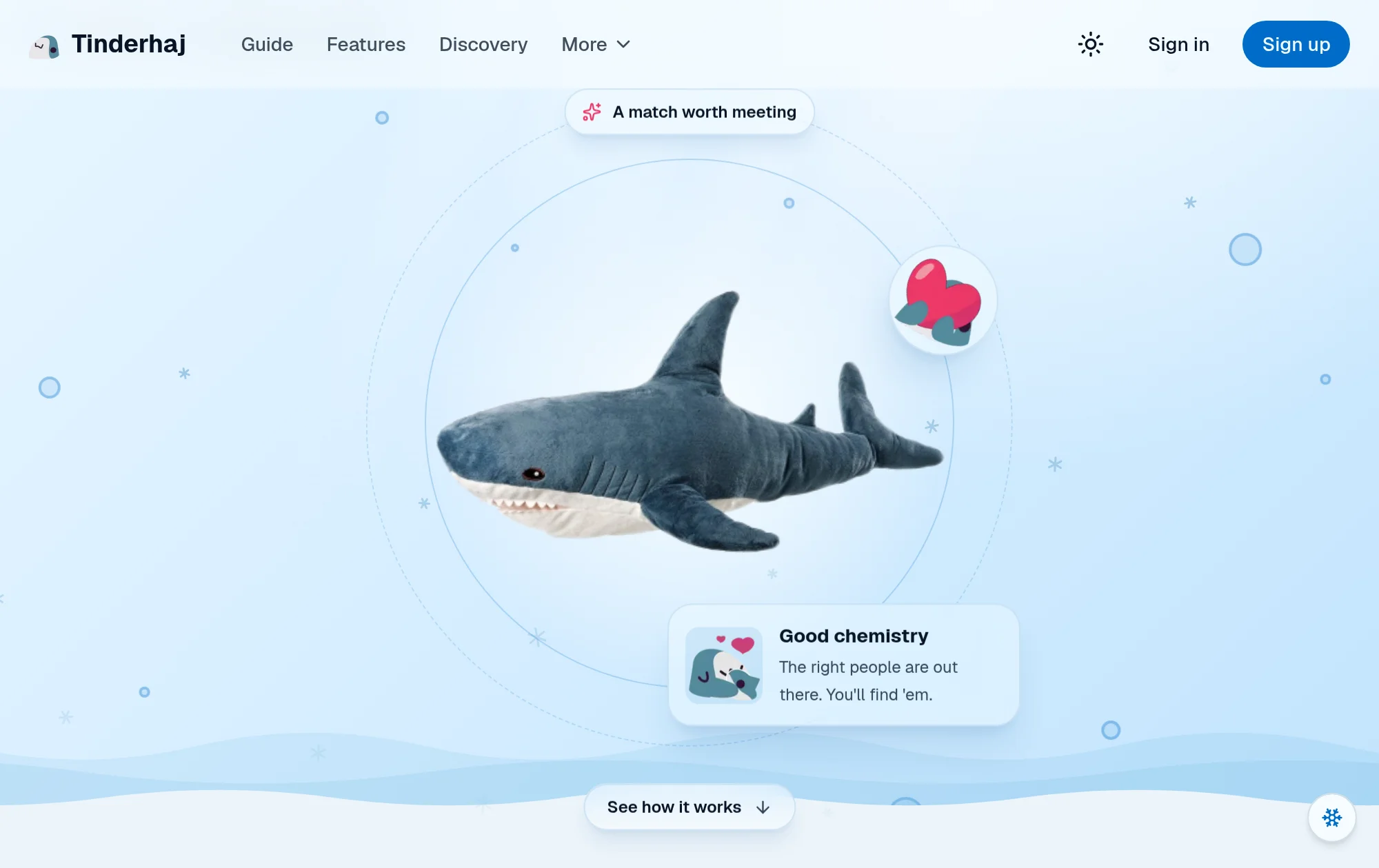
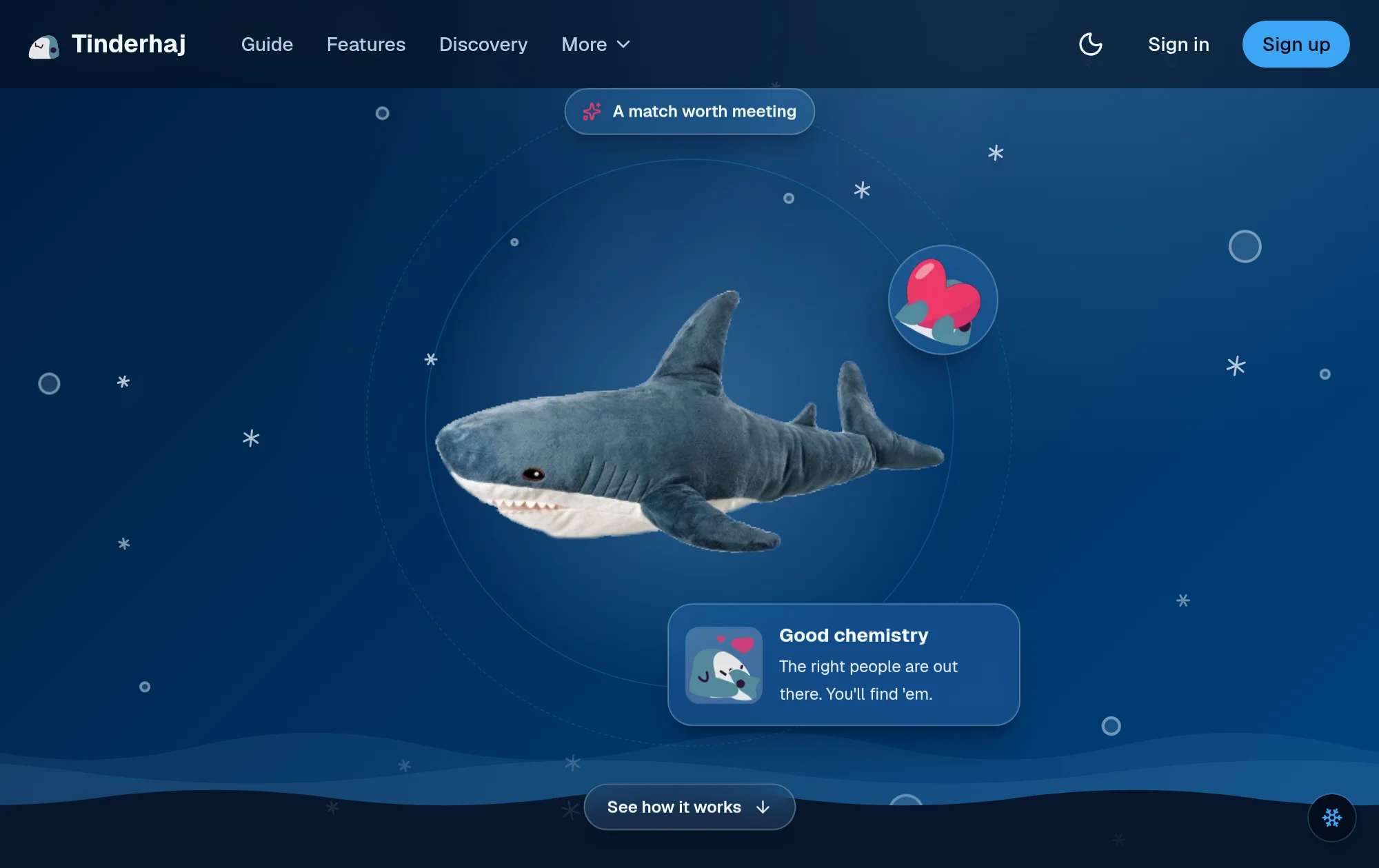
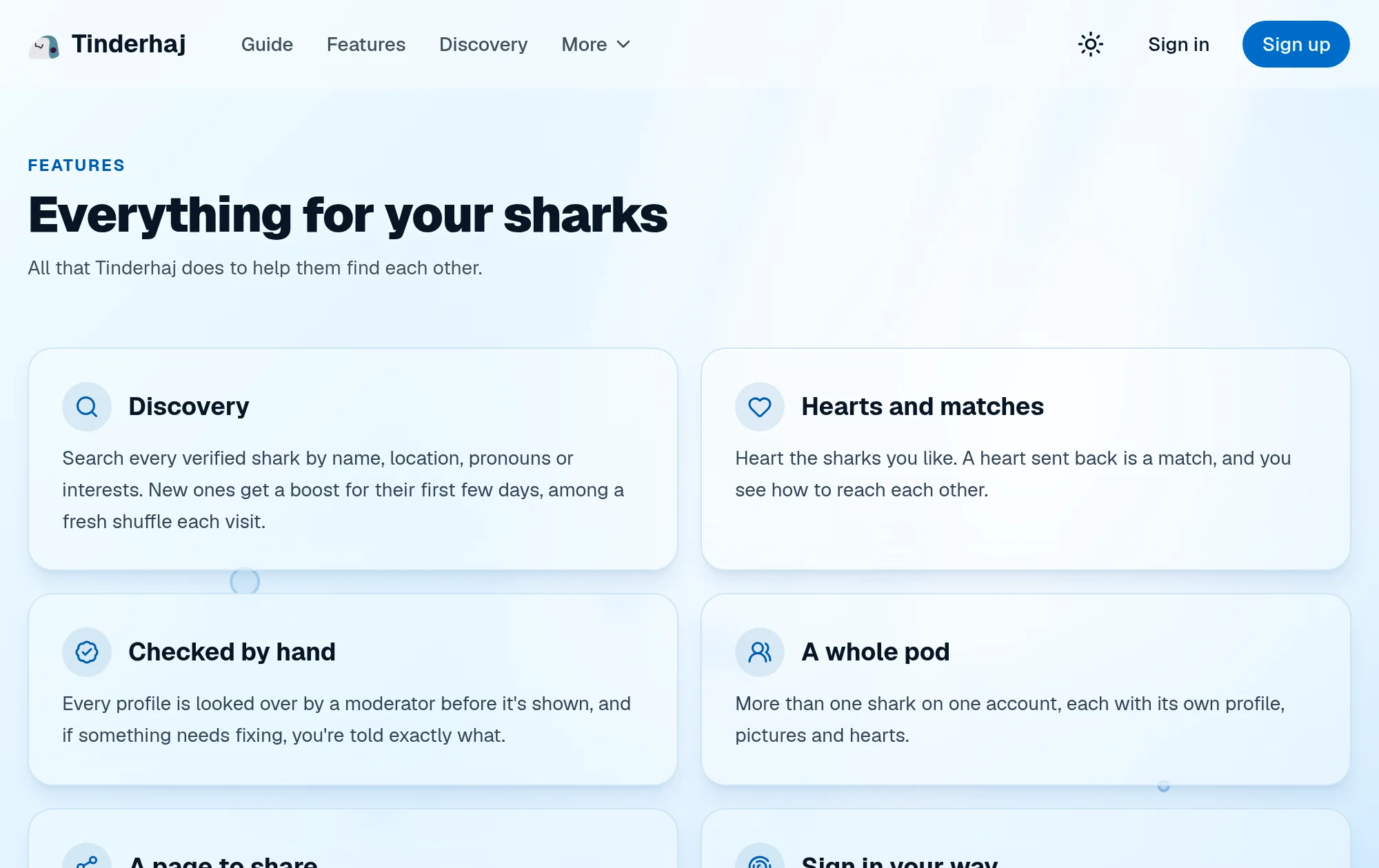
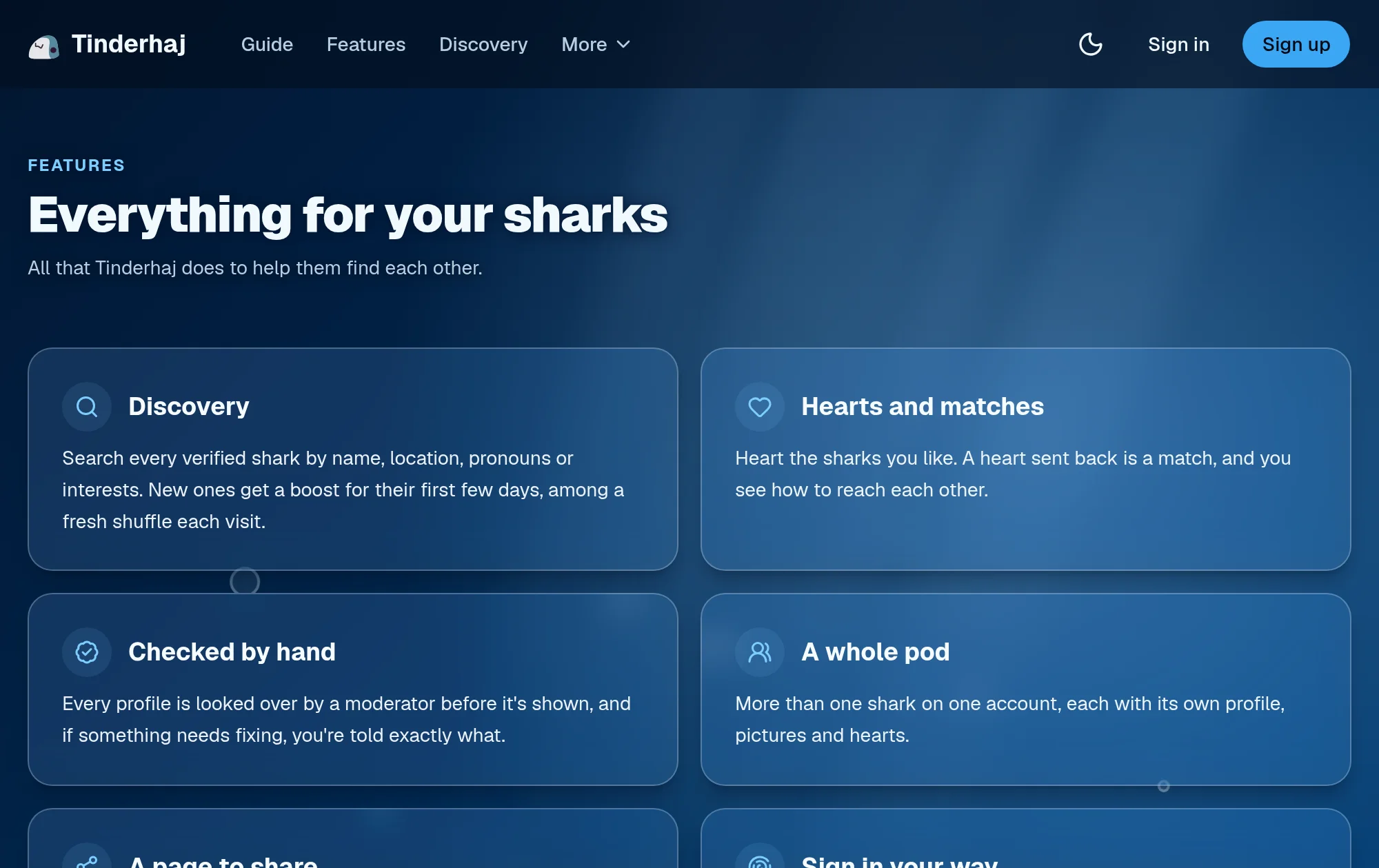
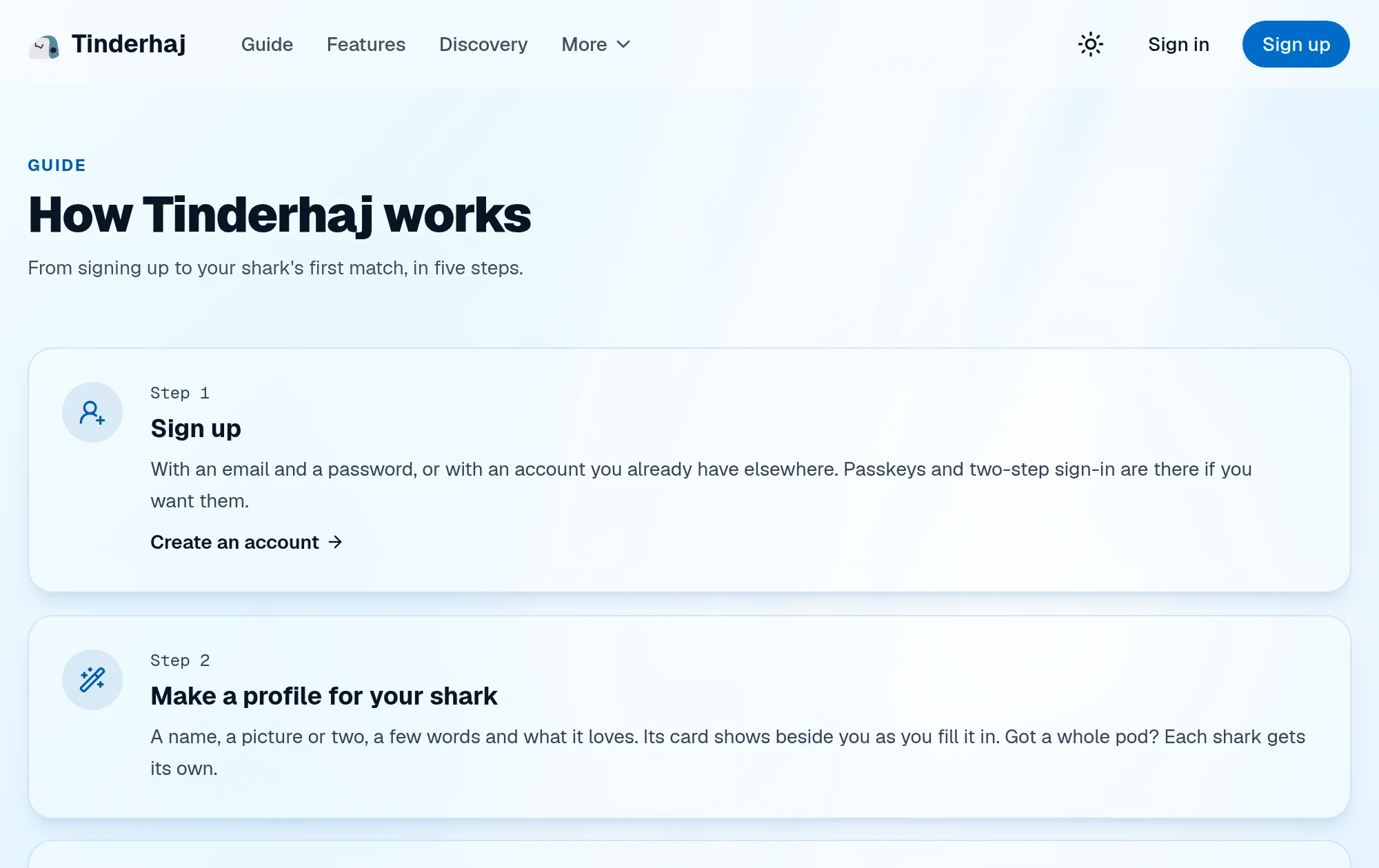
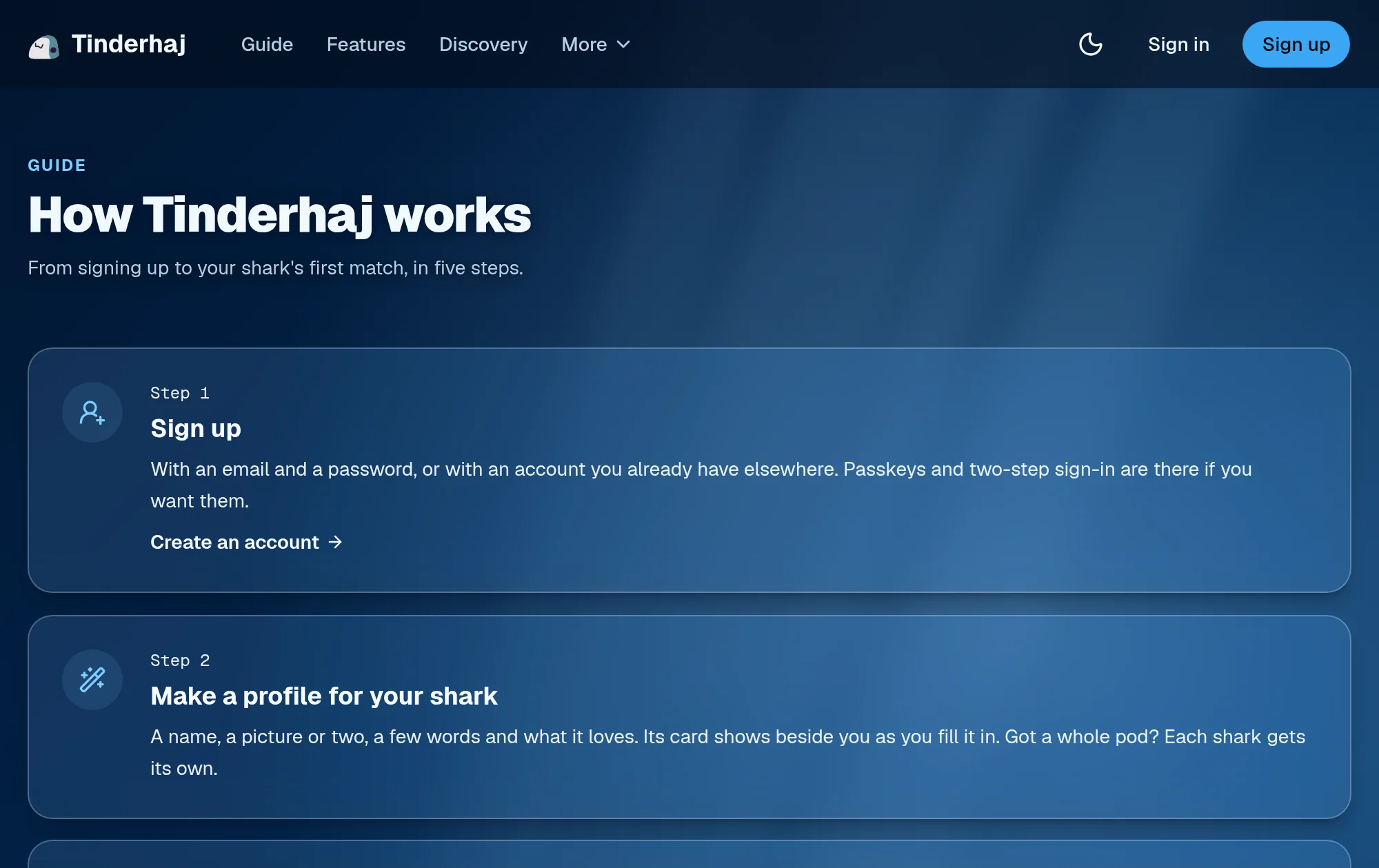
Since November 2026 a lot of the site is made of glass: the sign-in card, forms, menus and dialogs are frosted, and the cards on the features, guide, about and community pages float in the water.
Over on Discord
The community server has a bot of its own. It gives people roles for what they do on the site, posts newly verified sharks and the moderators' review queue, and runs join-to-create voice channels that owners control from a panel. Commands show anyone's sharks in a card, and the moderation commands keep every warning, timeout, kick and ban as a numbered case, even ones done by hand in Discord. A detailed log shows what changed in the server and who changed it.
All of it at home
The site, its database and its pictures run with Docker Compose on my home server. Profile pictures go straight from the browser to Garage, an S3-compatible store on that server, into a bucket of their own, with links signed for that one file. Emails go through my own mail server instead of a hosted service.
Playwright tests swim the same route as this page: they sign up, create a shark and send it for review, then send a heart that becomes a match. They run against a production build with a throwaway database and a stand-in mail server, so nothing leaves the machine.